On that note, for users who don’t usually submit librarian reports and may not not what would be appropriate to report, here’s a quick overview:
How do I submit feedback/an issue report?
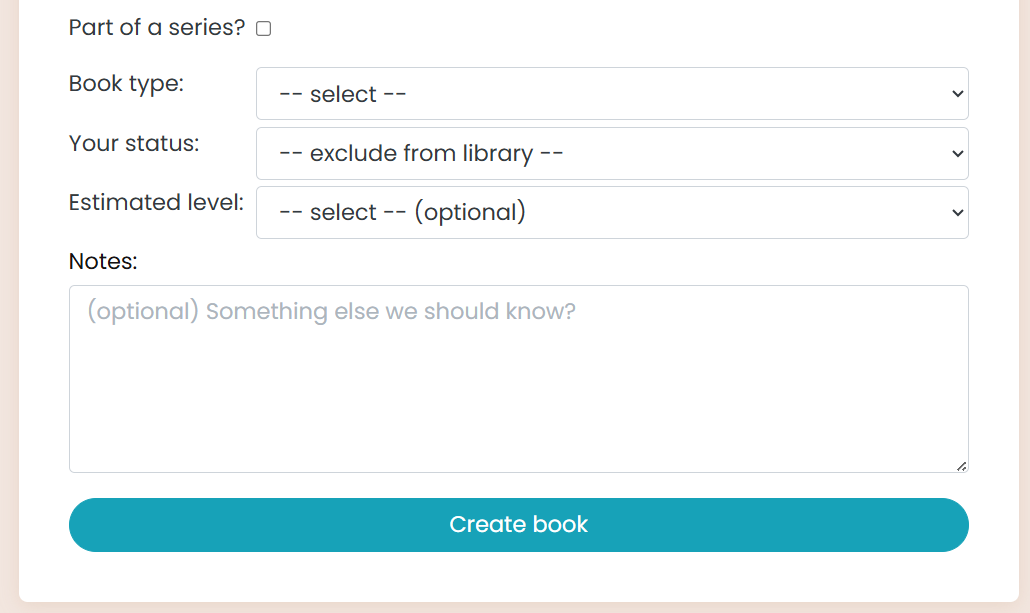
- From the book request page, after filling out the URL of the book you’d like to add, a notes box will appear:
(Note that you may not necessarily receive feedback emails on any items noted here.) This is handy if you know something about a book upfront that you’d like to make sure gets added to the book after creation: that it’s available for free, that there’s a better cover image available with a link you provide here, etc.
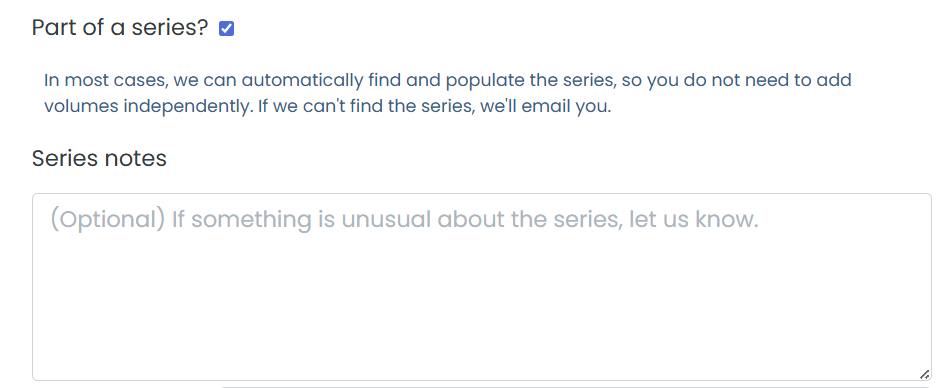
- If you select the “Part of a series?” checkbox, an extra box for series notes will appear. Please feel free to note anything weird about the series here (e.g. the series follows a different order from what’s on Amazon, there is a series but no listed series page for it, etc.). Direct links to information we may need are always appreciated!
-
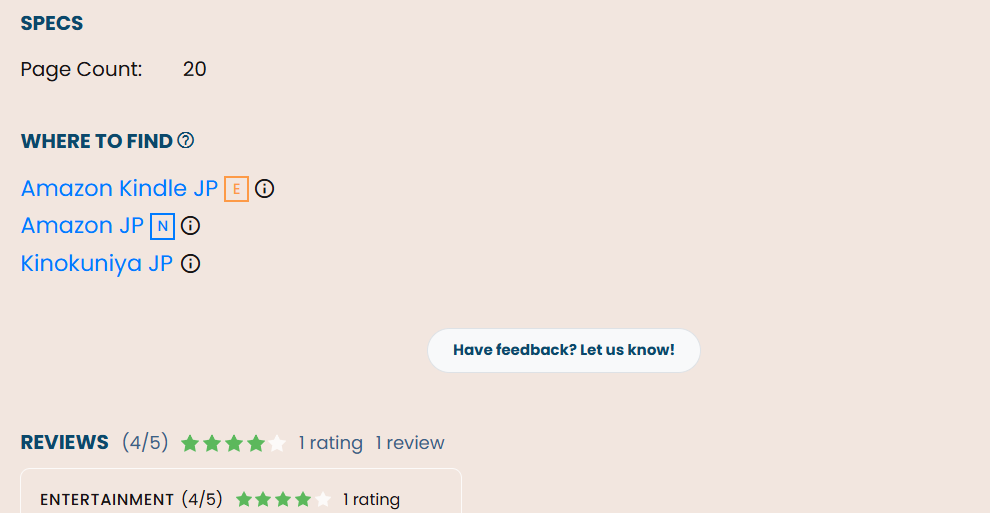
On the book page itself, you can click the “Have Feeback? Let Us Know!” button:
-
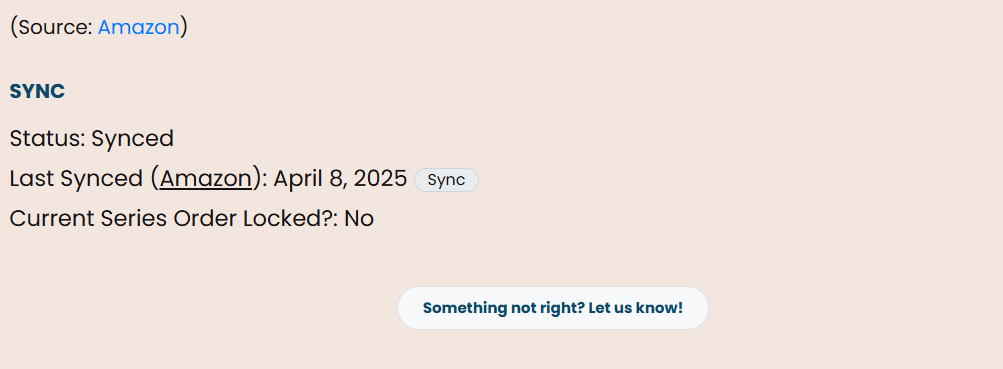
On the series page, you can click the “Something not right? Let us know!” button:
What would be appropriate to send feeback about?
There are many options! This list is not exhaustive, but is merely here to get you thinking:
- (Note that if you’d like to have books added to a series that already has a series page but no automatic sync button, please use the “+request more volumes” button at the bottom of the series page.)
- A cover is missing/wrong, for either individual books or the cover used as the series cover. (Please provide a link to the cleaner cover if possible, particularly if the book has no digital edition we can pull it from.)
- Book/Series name is wrong (this includes book/series titles with “noise” included, like publisher name or info)
- Author name is wrong/missing
- A book can be marked as free
- A book won a particular award (note that this might take a bit as of this writing to get implemented compared to other requests)
- A book/series can have alternate titles removed/added
- Series book order is wrong
- You’ve found a duplicate book/a book in the wrong language that needs to be merged with an already-existing book
- Page count is missing from a book (in which case please provide a page count and your source for it)
- A book should be marked as Mature
- You have a MAL or AniList URL you’d like us to add to the book
- There’s a certain note you’d like us to add to a book for public viewing (such as a book being a reprint, a newer translation, a revised edition, etc.)
- You’d like a Natively or Wanikani book club link added to a book
Etcetera, etcetera!
What can I, a non-librarian, change or update on the book/series page myself?
The two biggest and most helpful options you have are adding/modifying book tags and where to find links! I believe brandon has a job that can automatically pull tags for books that have a MAL or Anilist page linked to them (I forget which one), but there are far, far more books that don’t have one in the first place (or simply never get added) than there are ones that do, so I definitely recommend taking some time to flip through your library and add tags you’re confident in to those books.
(I’m hoping at some point we’ll be able to see an improvement in the tag-adding process, as I know it’s difficult to see and process what tags are actually available, so just do the best you can for now.)
We do have friendly tag moderators hanging around, so feel free to ask them questions if you have any!
Please let me know if you have any questions related to the above, or would like me to add any more information!