Forgive me for this really stupid question but I genuinely do not find the button in profile and I even read the new users’ limitations wondering if it’s a limitation! please help 
2 Likes
The forum uses the photo of your natively profile.
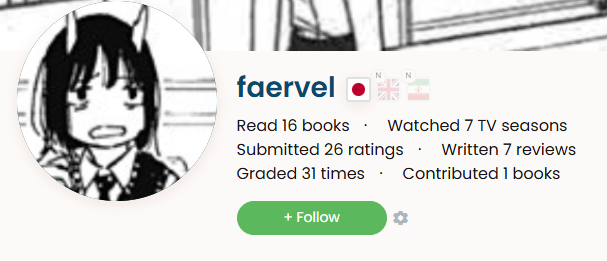
https://learnnatively.com/user/faervel/ there should be an edit button next to your name, if you go to your profile.
4 Likes
Ah thank you! I just set that up so maybe it’s taking a while to update.
3 Likes
It hasn’t updated yet I want to cry!
Yeah that’s weird, not sure what’s going on.. maybe it’s a daily job kinda thing and it will get updated at 24h..?
1 Like
Maybe logout of the forum, and enter it again. Maybe you even need “member“ privileges.
1 Like
When I changed mine it took effect instantly :o
1 Like
That’s a thought..
Otherwise maybe @brandon might have an idea what’s up..
1 Like
1 Like
This blog doesn’t mention profile pictures at all.
But might be it, maybe the admins of this website configured something unusual to prevent spammers from using adult pictures or something.
2 Likes
Yeah that’s why I was wondering, bc it’s fine over on the main site
I don’t know which of the two it was, but it worked! Thanks!
I am no longer crying
P.S thanks to @Snappie and @shitsurei for attempting to be helpful
6 Likes
You got some more badges these last hours, but are still not at “member“ level, so it was the logout/re-entry…or just waiting.
3 Likes
