Yes, it was a separate issue from before. I only brought it up because I misunderstood which button they were referring to and thought it was connected. 
1 Like
-
Book and video search does not return results. It just hangs in some loop.
-
When I open this new info pop-up in the all person’s activity list on my dashboard, I can’t close it again, neither by clicking beside it, nor by clicking on it. With time there open up more and more of these windows, some even showing on top of each other. To finally get rid of them I have to reload my dashboard (Safari on iPad).
1 Like
Whoops! Should be fixed now, nice catch. That was a mobile only bug, missed it.
I tried something, but I’m not sure it will work. Let me know if it did (I can’t reproduce).
3 Likes
Search works again. Thanks
The second got worse  Now if I click inside or outside?? the infobox the book/video site opens.
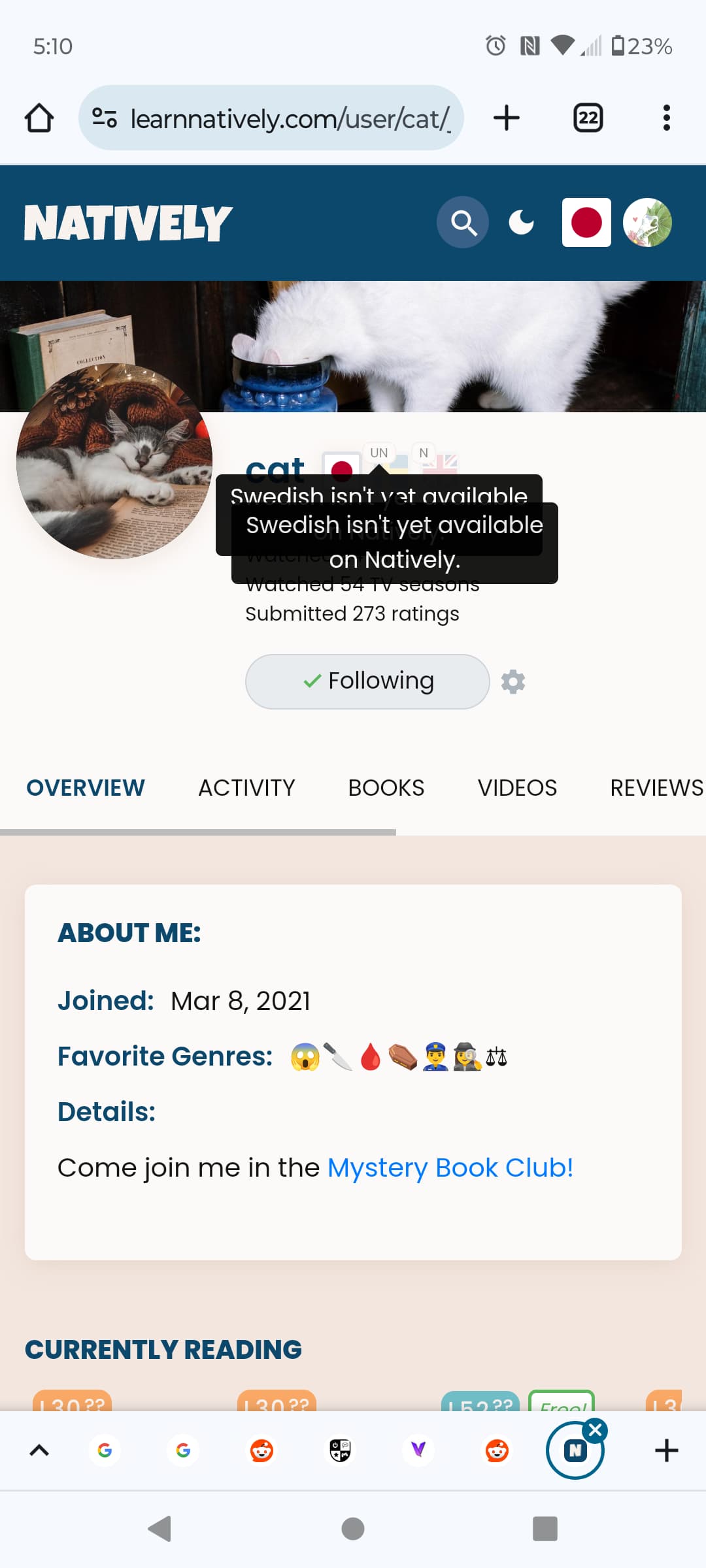
When I click on a person’s not-on-Natively language on their profile, the little pop-up shows twice. Chrome on Android.
4 Likes

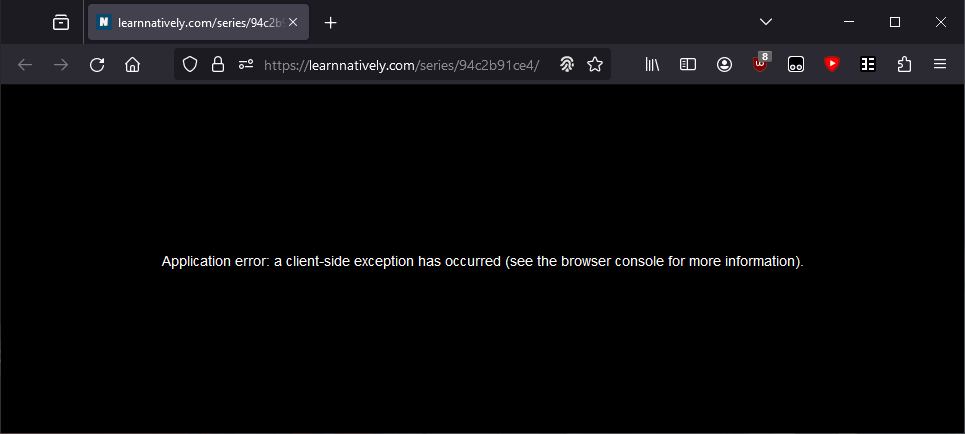

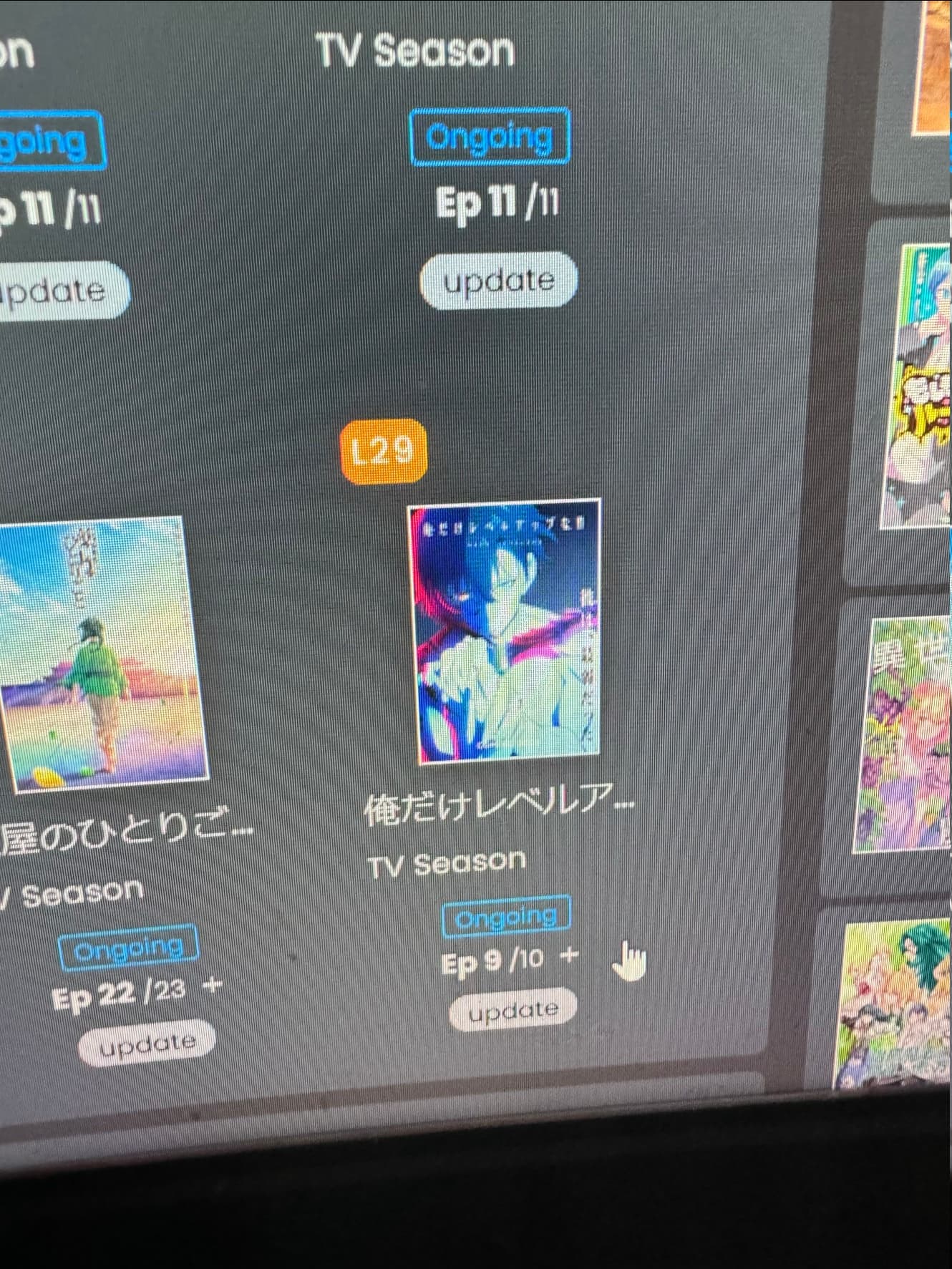
I can’t update this series from the front page dashboard. When I go over the mouse I get the 
Sorry for the photo of the screen, otherwise I can’t show you the mouse not allowing me to update.

4 Likes
Yeesh!
You can go to the page now though? Do you have the link from the email perhaps?
I will try to fix the sync error soon, although I’m behind on my daily work… just grinding through infrastructure right now !
Can I get a link to that tv series? I’m bad at typing Japanese heh
2 Likes
I managed to update it by going to the series page and selecting the episode there manually. So it’s a bit weird.
Yes. The link of the email was 異世界のんびり農家 | L21 . I didn’t crash initially, but when I queued the sync and reloaded is when it crashed after a brief “Loading Natively” screen.
1 Like
Alrighty - I’ll add it to the list 
1 Like
If it helps pin-pointing the moment it crashed, the Vol. 12 which I requested wasn’t up yet.
So maybe it was weirdness of data being added and me loading in the same exact moment 
1 Like
Yikes 
Ok, I tweaked it again… any better? This is what I get for not updating that hover software for a few year…
Heh. Well i’m sure the error is in my logs somewhere if I want to find it, especially since i have the url. Now do I want to look is the question haha
1 Like

2 Likes
Yes, the info-window now vanishes after clicking beside it IF while opening it the book/video site does not open as well. If the book/video site opens, probably because I hold my finger too long on the image, then when I return to the dashboard (with the browser‘s return button) I can no longer click it away. Then I will have to reload the dashboard site again.
The link to the Book Providers page in the “Where to find” tooltip on book pages is broken, and the resulting 404 error page is just completely black (the 404 error text is there, but it’s the same colour as the BG). It seems that the Book Providers link just appends “[object Object]” to the URL of the current page, e.g. https://learnnatively.com/book/d914cef6ee/[object%20Object]/
5 Likes
Getting a client-side exception when I try to load the books or videos search page on mobile (Android Chrome):
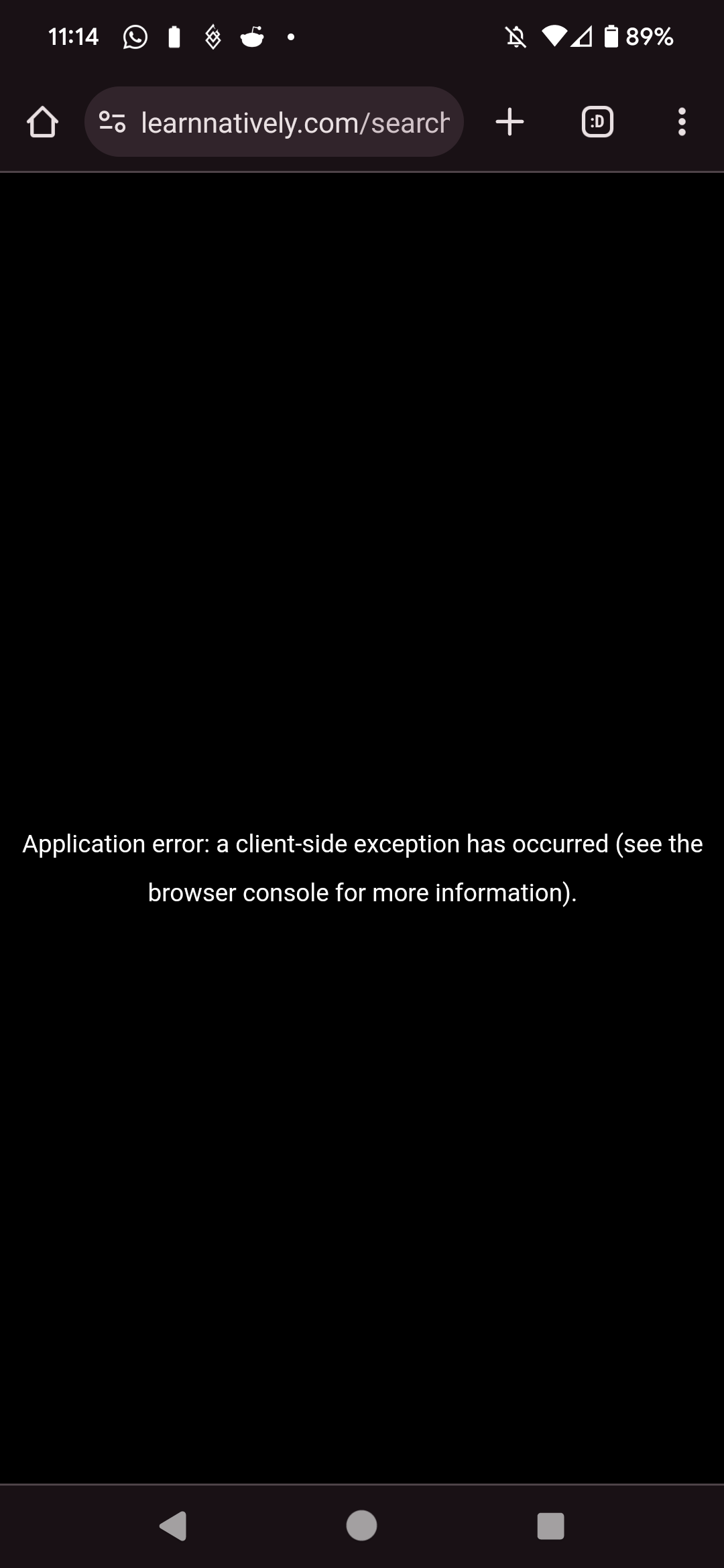
Edit: I noticed the full url after clicking is https://learnnatively.com/search/jpn/videos/?series=one_volume---countryFilter.JP (and same gyst for books)… tho the link doesn’t have those params, and even when I visit the page manually (from the address bar), it’s still auto-appended
Edit 2: https://learnnatively.com/search/jpn/books/?series=one_volume works fine - so guess there’s some issue with that country filter
Edit 3: Happens on desktop as well
2 Likes
@brandon something weird is happening.
Firefox 123.0.1 Windows
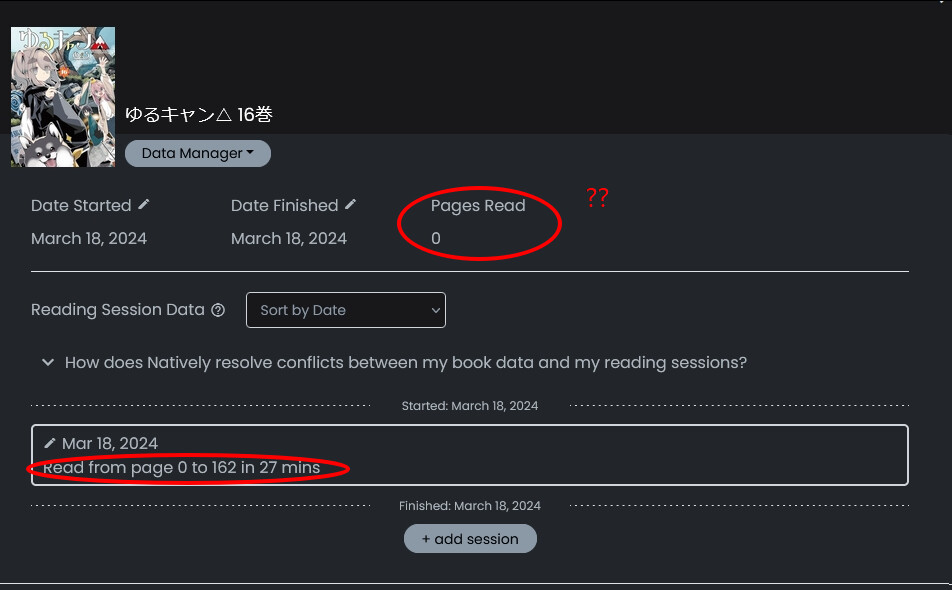
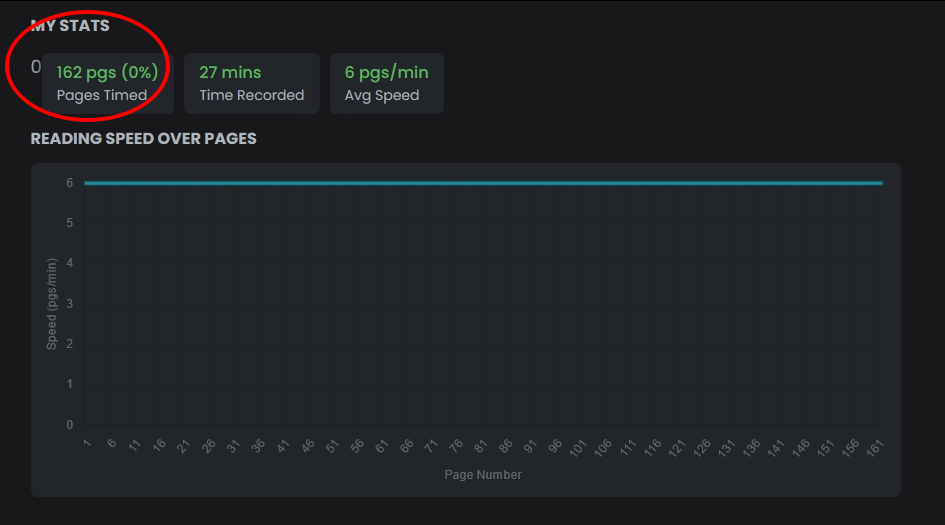
Follow up in a book I just started but has no sessions yet:
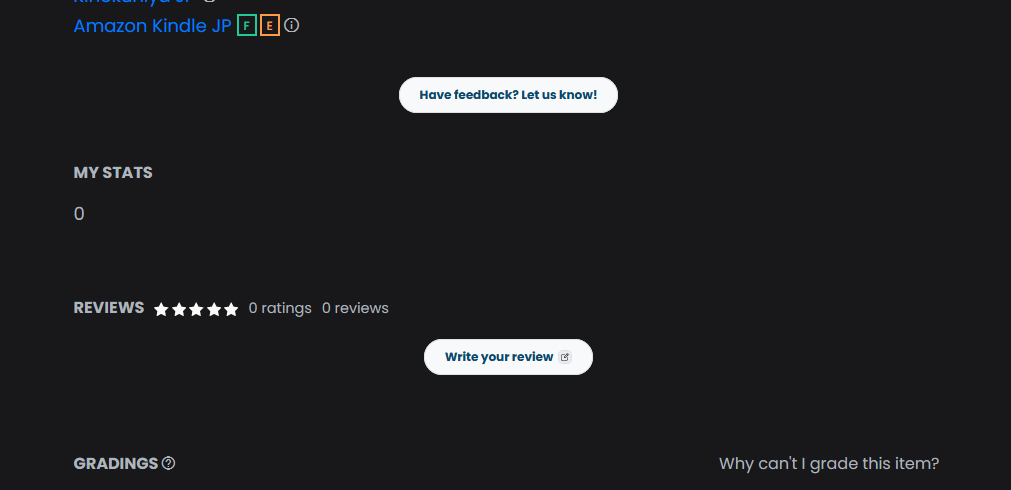
1 Like
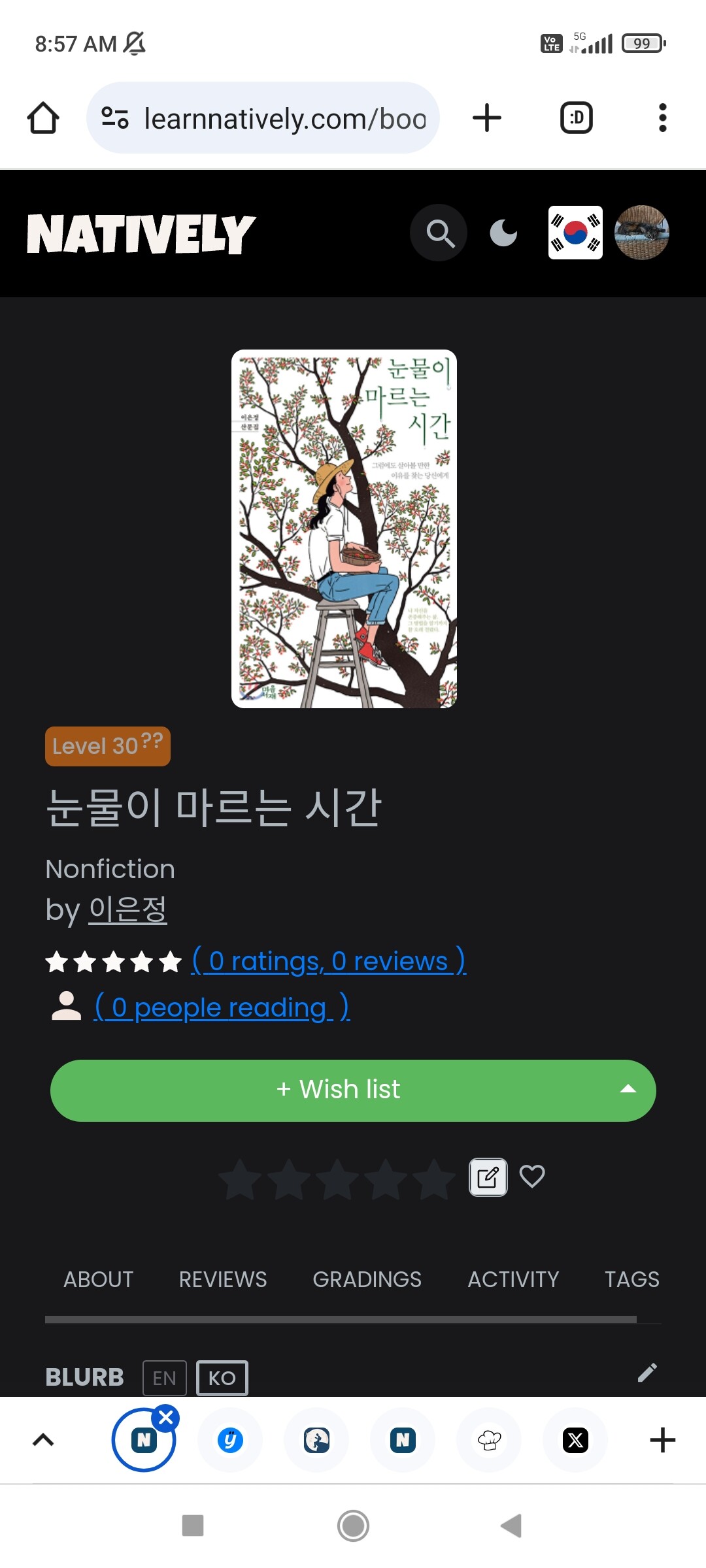
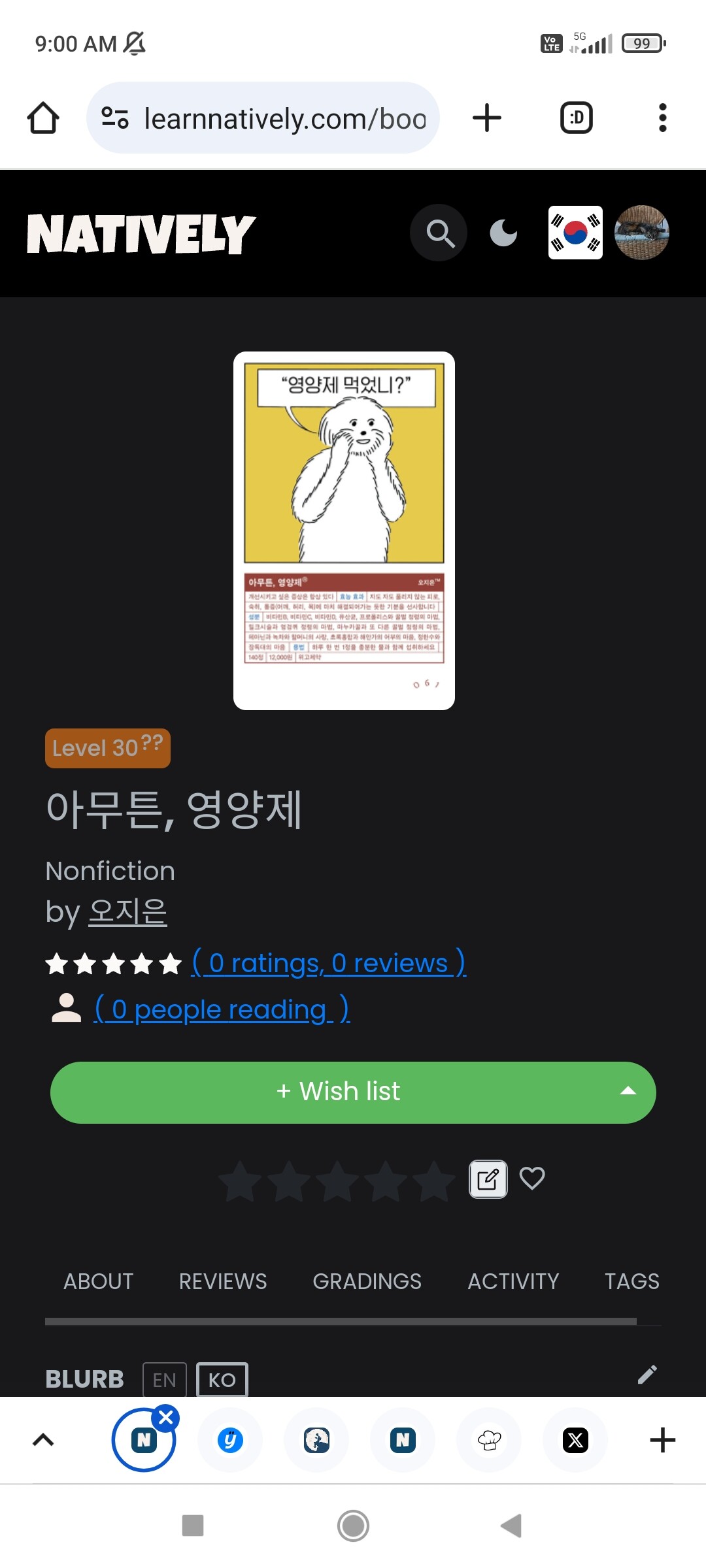
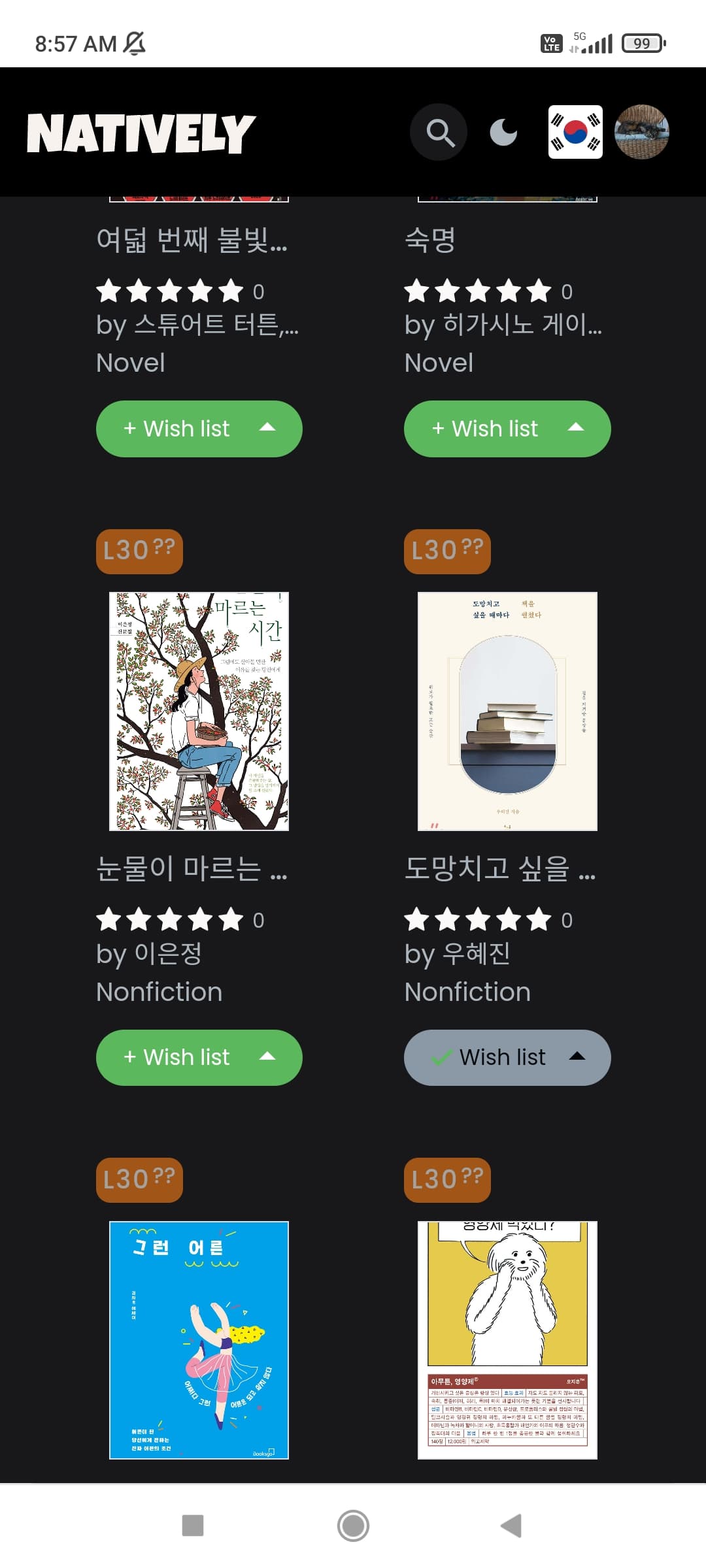
whoa.. yeah that’s not right! I’ll try to investigate tomorrow as that could be a big issue..
Roger on all the other issues @HopeWaterfall @Megumin @gillianfaith
4 Likes
