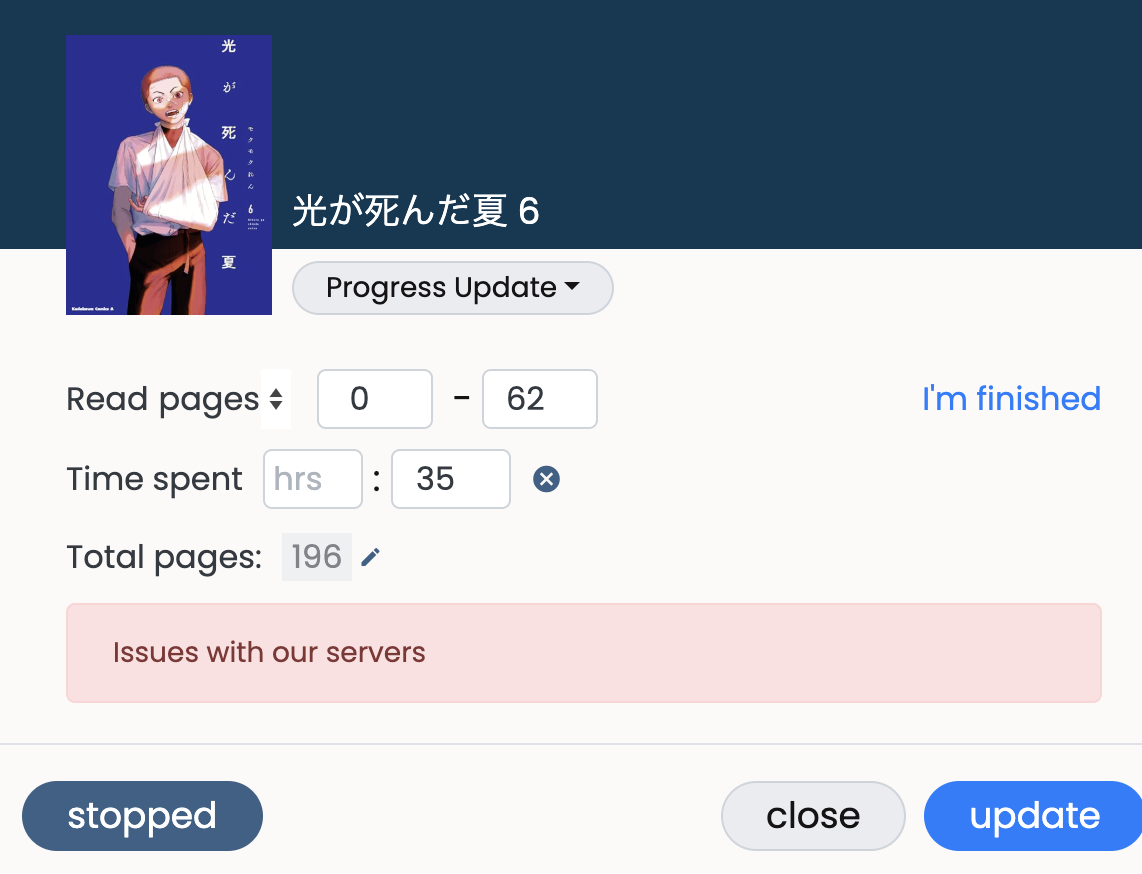
I also started getting this
2 Likes
that’s the screen shot!!! bug…  must die!!! kill it with fire
  (or something) haha
also holy hell you already finished vol 6!!!
soon gonna be stuck waiting forever for the story to continue… 
4 Likes
These bugs can survive in areas where screens are heavily shot, as they are the natural enemy of that bug. Screens usually find them by their inborn screening abilities and then kill them with an intense flash of light. Yes, you can imitate this behavior with fire and help your local screens, but be careful to not burn down your whole building.
6 Likes
awesome… but also omg another one…
have a shovel, axe, a 5 gal bucket of water, and a fire extinguisher ready to go…
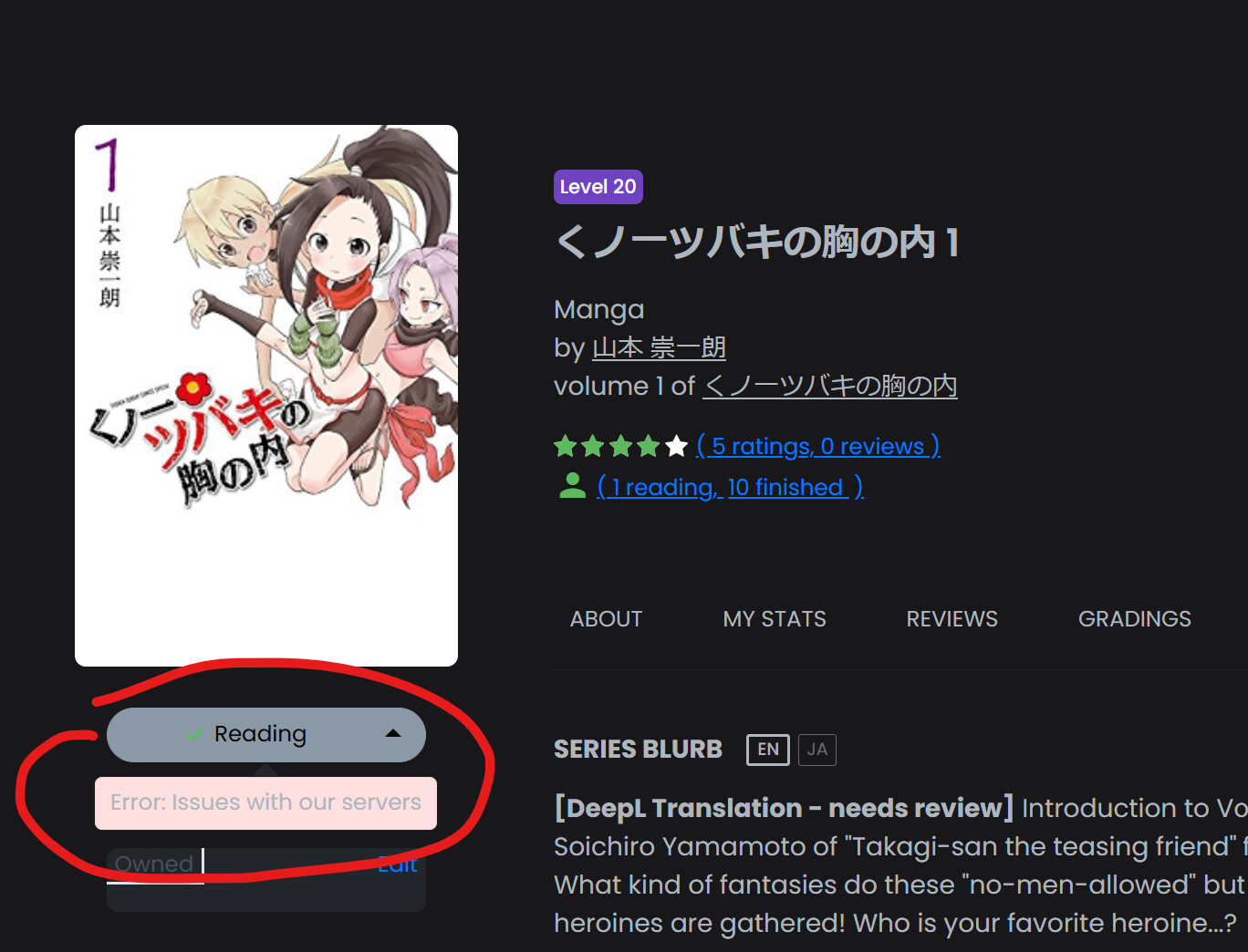
here’s another one … just happened
changed it to “set to reading”
3 Likes
Oh no. I’ve confirmed this one! Will try to address shortly.
Hmm, I could not replicate on my own so perhaps a temporary issue? Will look into though 
Edit: Unfortunately it seems our servers are having a lot of issues with updates to your library items. Investigating.
6 Likes
…
oh wait…i see your edit

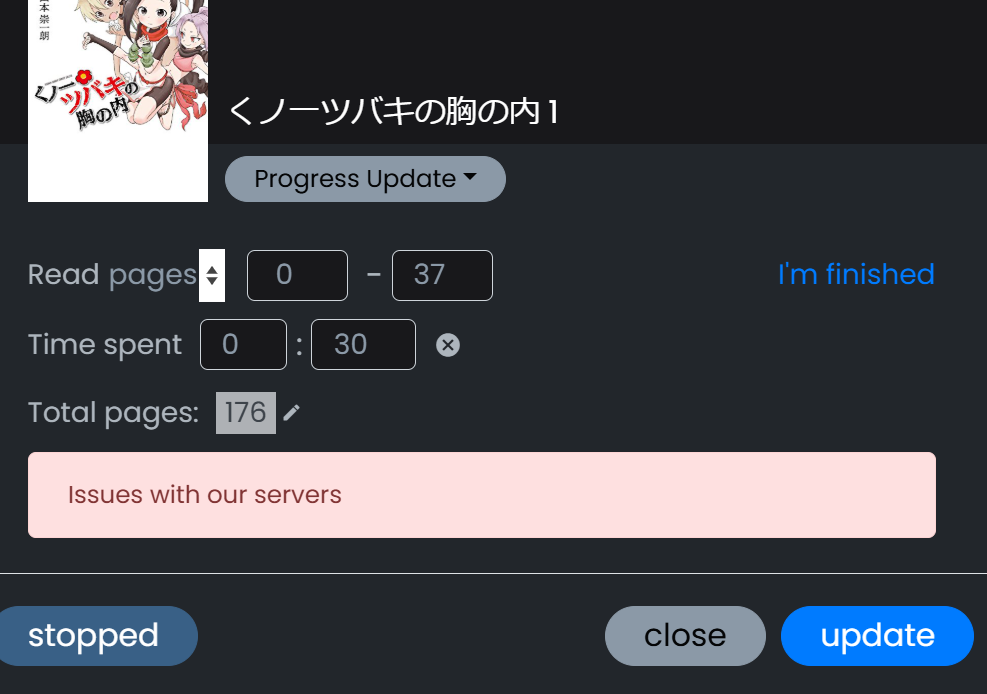
well anyway if you need an example for troubleshooting
weird it only semi updated page number but didn’t record…oh well hopefully tomorrow morning the bug will have been set on fire 

no more readathon tonight…too eepy at this point
2 Likes
FWIW I know there are search & library errors right now. Doing a bit of infrastructure tweaks, hopefully resolved soon!
10 Likes
OK, I think search & library functionality should be back 
14 Likes
Temporary blip on book & search pages, should be fixed in 5
Edit: Up again!
12 Likes
Again, search will be temporarily down due to an upgrade (Elasticsearch). Should be only a few minutes.
Edit: Done!
19 Likes
@brandon I’m running into the same/similar issue on a book page > Basic Options dialogue (on Mobile Chrome) with 百合オタに百合はご法度です! ? 2 webアクション | L24
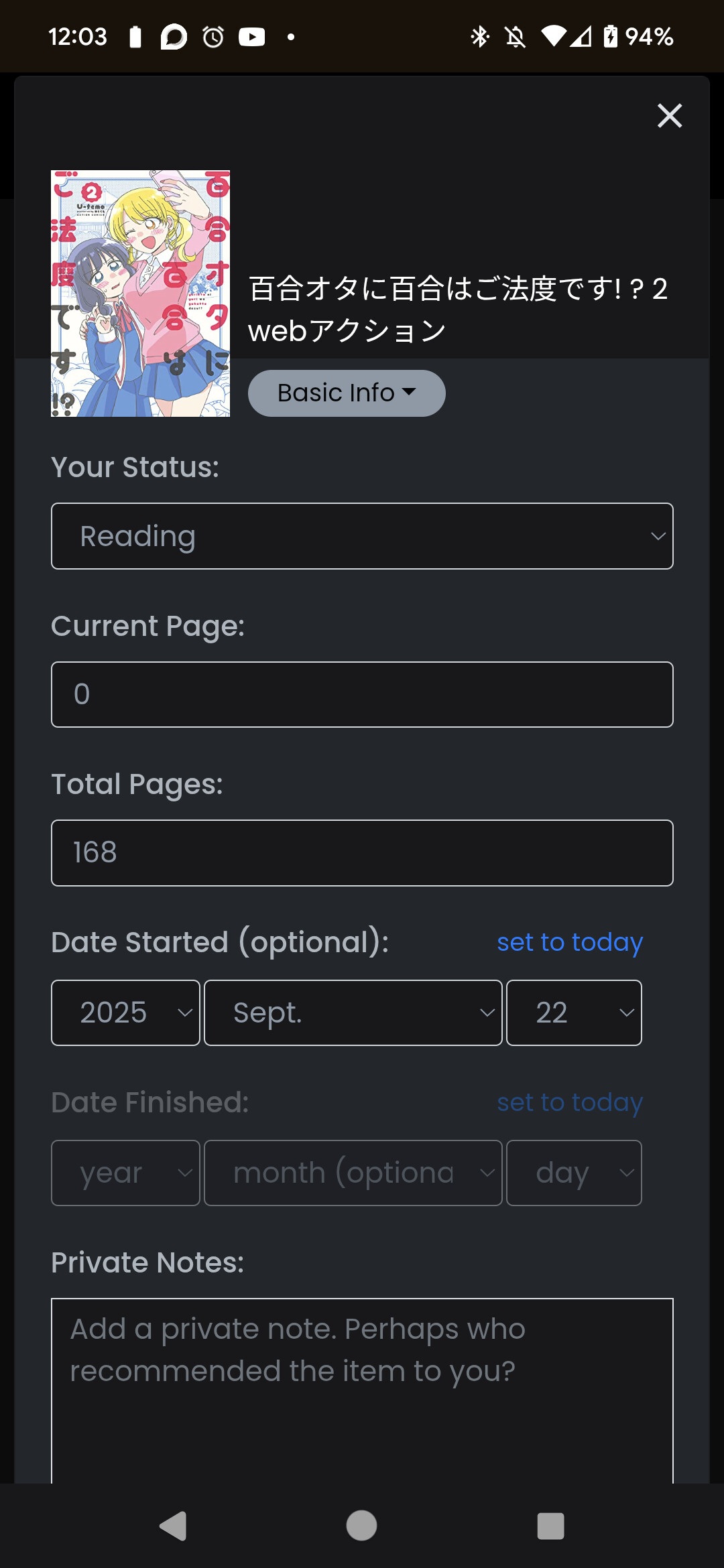
Original status was Finished (I am rereading it). When I tried to change status, page number, and dates, the update button wasn’t working. I was finally able to do it as follows:
- Change status to Reading & change start date
- Go to Dashboard > Progress Update > set current pg to 0
I’ll try adjusting the pages count on something else later, to see if that’s the issue or something
4 Likes
@brandon Can you convert ご注文はうさぎですか? | L24 to a syncable series page and add the most recent volume? I did request the new volume the old way, but being able to sync would be nice.
5 Likes
Thanks for the note! Will investigate
Unfortunately this one doesn’t seem to have a series page on amazon jp, just a ‘bulk purchase’ section. Anyways, I’ve added the 13th vol. Should be another action the community admins can take, working on that now!
8 Likes
Isn’t this it? They only show up for the digital version. https://www.amazon.co.jp/-/en/dp/B074CKDQGB
Thanks for adding the new volume!
6 Likes
@brandon If possible, could you please add a sync button for these series as well?
3 Likes
The image on おはなし・ねこあつめ | L20?? is broken for me – does it work for anyone else?
Trying the image link directly at https://d349jbwe3uaj05.cloudfront.net/07bb7ba4-fb5c-4fc5-8e8a-b1a5ead8bae2.jpg?width=231.84&height=360 I get “{“message”: “Internal server error”}”.
Edit: looks like not just that item, saw other pages with broken images too
Edit edit: ah, apparently there’s a big AWS outage at the moment, so it’s probably that and will resolve itself eventually
4 Likes
Yes, probably, as I have no problem with these links.
2 Likes
The image is broken for me as well, and I see that same error message
[Edit: a few posts down after some questions here is exactly where this bug is and is not on my account Product Updates & Casual Natively Discussion - #2998 by mitrac )]
Not a big deal, but I noticed my activity doesn’t show up in feeds, as in, when I set book pages read, then they don’t show up in the activity feed. I waited a few days and it seems it’s working for others, so I thought I would mention it!
3 Likes
You mean “started reading“ or “finished reading“ kind of activity, or “xxx pages read“ kind of activity, or both. This is a very old problem, btw.
Anyway, the first two don’t work for me, neither, most of the time, but I have no problem with the latter.
2 Likes

