Awesome! Thanks for the overview! I guess the biggest bug on my mind at the moment is spoiler tags not working in reviews in Firefox, but that sounds like something infrastructure-related, honestly, so I’m not enormously concerned.
7 Likes
Ah i see. They don’t work at all in firefox? I thought the bug was just when they were in the ‘fuzzy’ area at the bottom of a non-expanded review 
Why, does that make you wary to write reviews? Perhaps @nikoru could be intrigued..
7 Likes
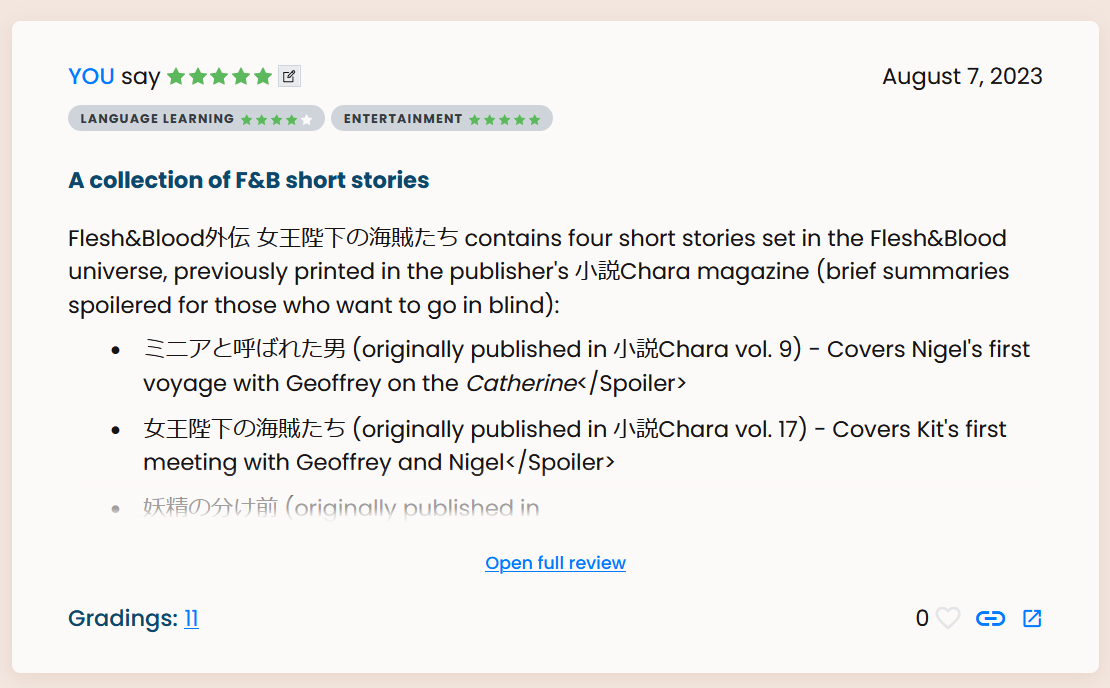
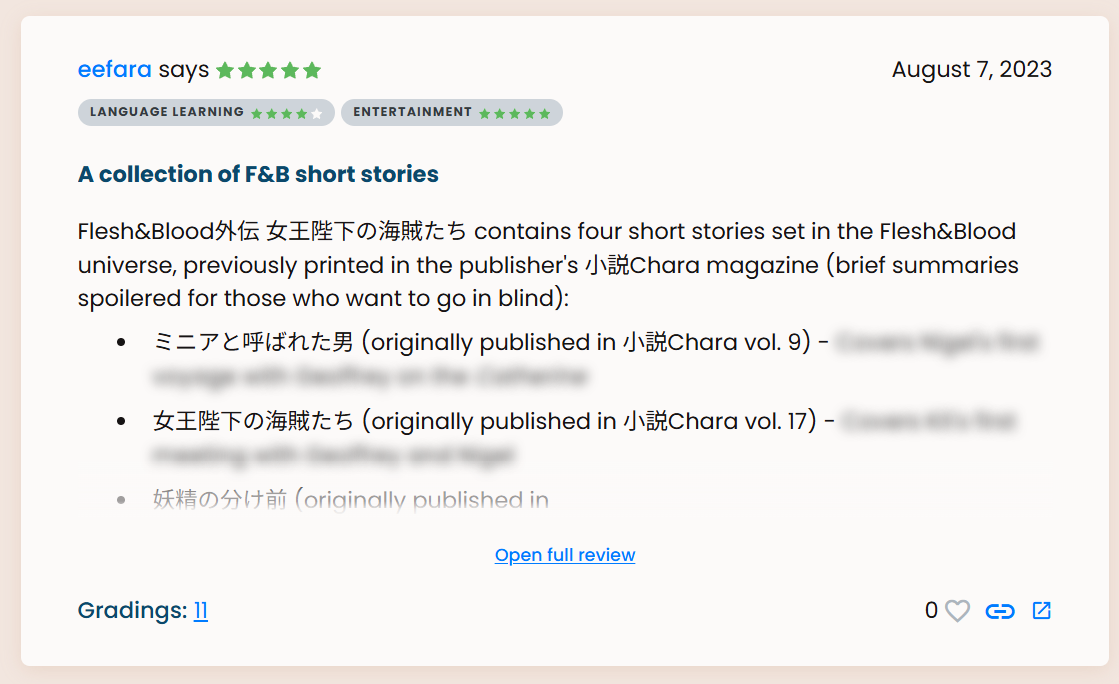
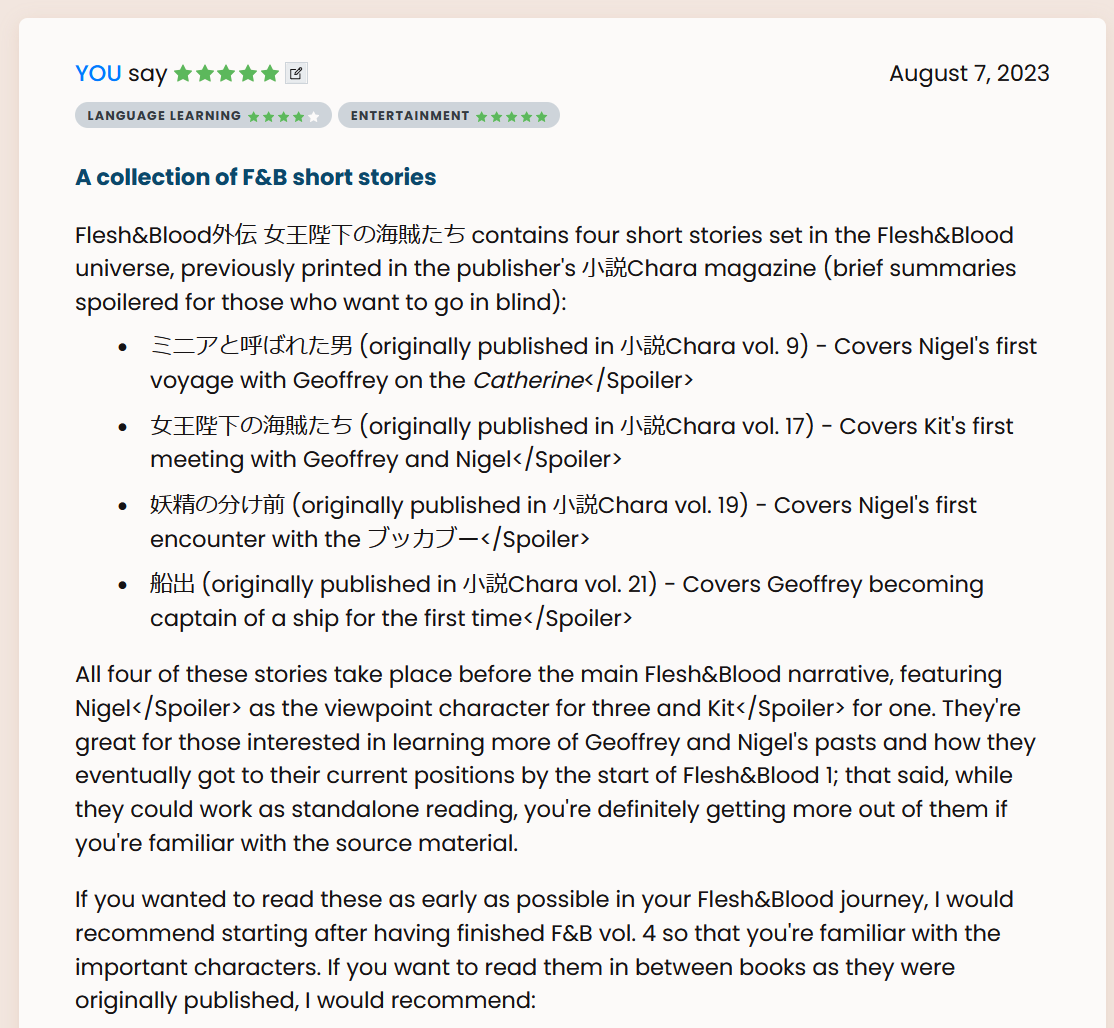
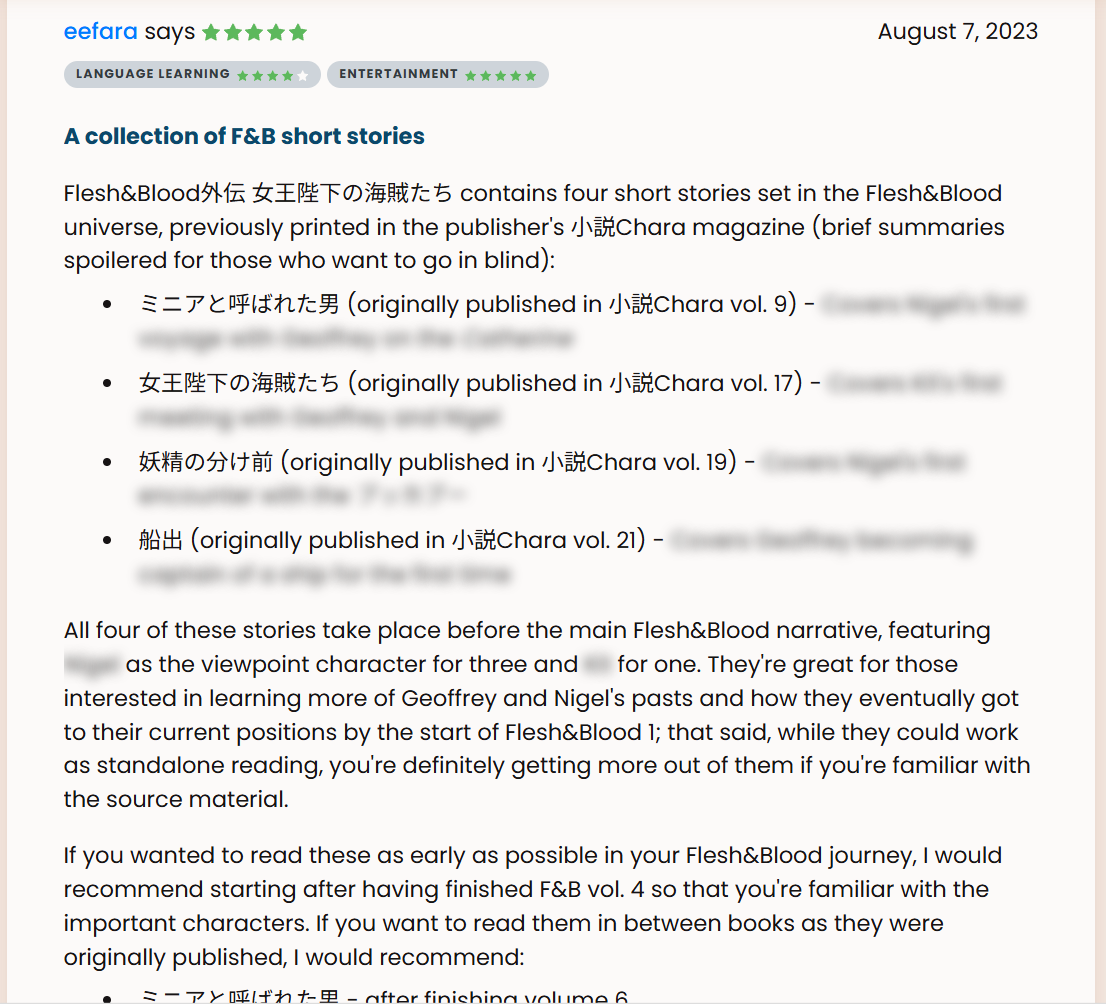
Nah, they sadly don’t function at all. Actually, I thought they didn’t work, but taking screenshots for this showed me one place they do work: on the direct link to the review. Examples under cut: (warning, spoilered text shown for https://learnnatively.com/book/fc452bf290/ ; they’re not ‘real’ spoilers, they’re just there for folks who want to go into the short stories blind)
Example
Firefox, non-expanded review:
Edge, non-expanded review:
Firefox, expanded review:
Edge, expanded review:
Firefox, direct review link:
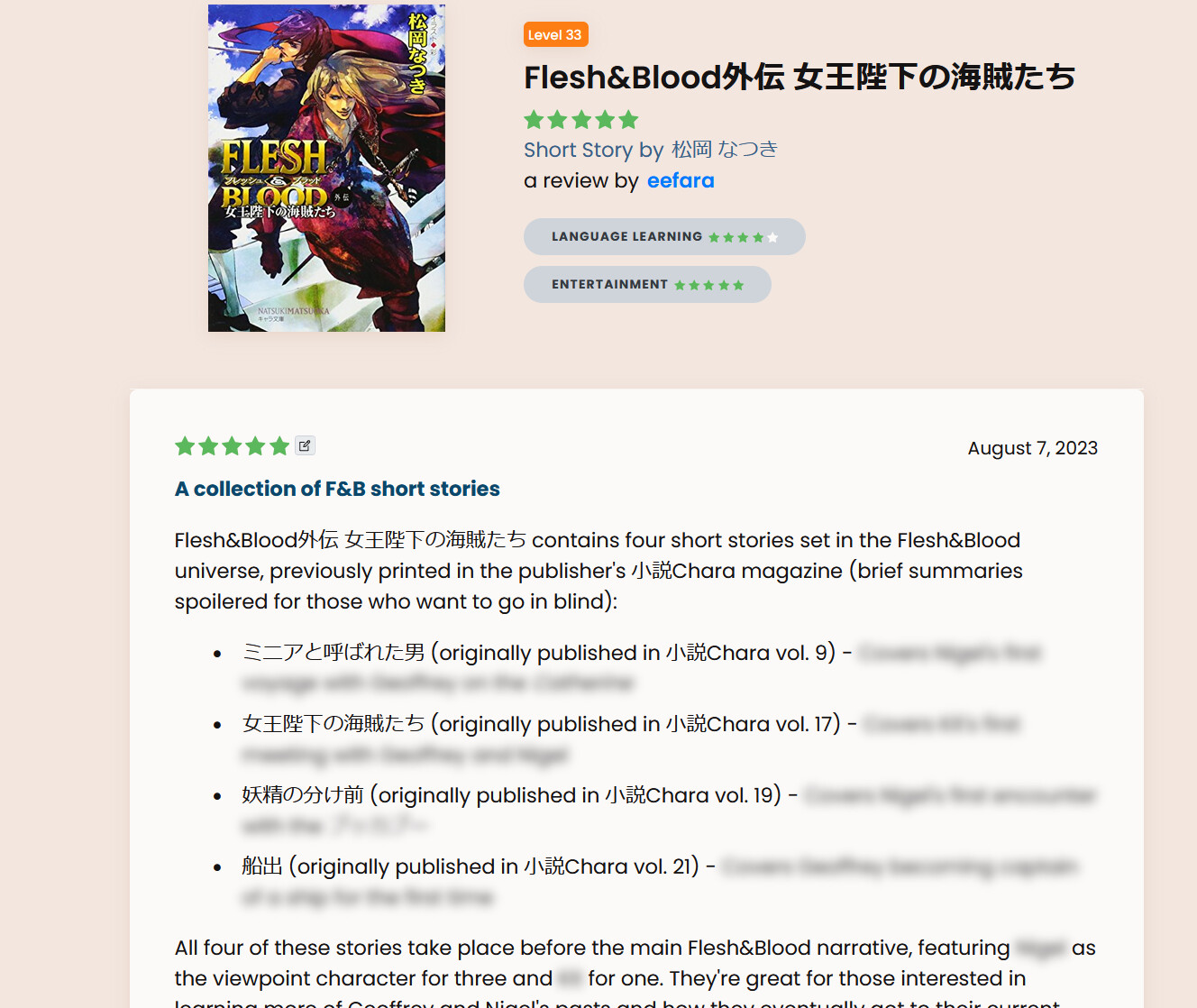
(eefara's review of Flesh&Blood外伝 女王陛下の海賊たち | Natively in this case)
For sure.
9 Likes
that’s… much more significant then i realized! Ok, we’ll get that one done 
Edit: FWIW everyone, we’ll try to review the bug log and address the big ones like this one. Haven’t done it thoroughly yet as I currently think the data errors for TV & books are significant enough to be higher priority than any potential UI bug right now. But we’ll definitely review it when we’re in a better situation.
10 Likes
Thank you! I’m glad I brought it up, then.
5 Likes
I’ve seen that and got so used to it I forgot to report it. It has made me cautious to read reviews tbh. I do a kind of superficial skim to make sure I don’t see a lot of detail before I read them.
6 Likes
@brandon Is there a “best” way to get a series page updated to support the sync button right now? I just had to manually request a new volume for 気になってる人が男じゃなかった | L23 since there’s no sync button.
8 Likes
when @brandon likes your post but doesn’t approve the book 
11 Likes
Added the amazon link and synced.
I’ve been just really focused on fixing the core infrastructure before handling one offs, but I guess i’ll let you bully me into it, you get OG seniority
14 Likes
Thank you! I’ll try not to be a bully next time. 
10 Likes
If you promise to make a librarian role soon I won’t bother you with my rather long list of these 
12 Likes
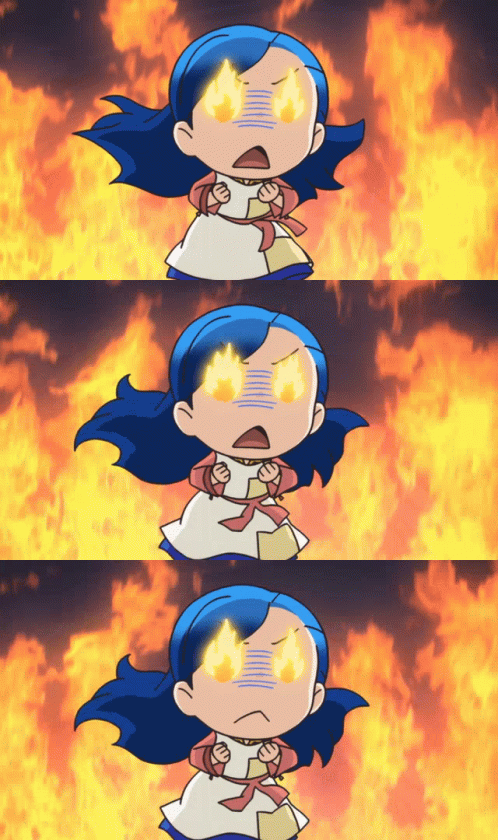
Myne avatar throwing a tantrum cause not getting books, checks out.
13 Likes
@brandon Looks like we got a weird bug where the book I added generated a blurb from an unrelated book.
4 Likes
Oh, actually @nikoru already made a trello card for that, I guess she didn’t respond 
Thanks for the note!
4 Likes
Oh yeah sorry @seanblue! I took note of the issue but I didn’t realize that the book was newly created  so I figured I’d just collect it silently…
5 Likes
Another duplicate set (I’m pretty sure, just one has the drama cover..):
4 Likes
I wonder if it’s possible to detect that kind of duplicate by scanning the database? Here one of the books in the pair has only the Amazon Kindle JP link, and it’s the same Amazon product ID code as the Kindle link for the other book in the pair that has the full set of source links.
(More generally, “only source is Kindle JP and no ISBN” feels to me like at least a suspicious sign of a potential duplicate – some books are Kindle only, but my guess is that almost all ought to have the ISBN and be able to populate the links to other sources.)
6 Likes
Oh 100%. I’ve had the ‘find duplicates’ functionality for quite a while.. that’s not really the issue. It’s the development of the admin, merging user data appropriately, rollback capabilities which I’m focusing on, rather than resolving these one offs.
I also have been improving the functionality to not create duplicates in the first part if possible.
A lot of these have cropped up because i’ve fixed my amazon syncing in a lot of places which has exposed issues.. but i’m making a lot of progress! I’ve got the admin working, it’s just exposed some other data issues (yes24) which i’ve been working on.. among other things.
I do hope to have these all figured out by the end of the week via my new admin
15 Likes
Small product announcement
I am very very happy to announce that we have just released a couple of fixes for some long-standing issues with spoiler tags in reviews!
- Spoilers display correctly even when they are cut off by the “Open Full Review” link
- Spoiler tags now work on Firefox

As an exclusive Firefox user I especially couldn’t allow the second one to stand. 
Happy reviewing!!
34 Likes

omg, maybe I can finally move off of Brave on my mobile to Firefox and also be a Firefox exclusive user  except when I need a chrome only extension
10 Likes
