Hey thanks again for making this script. I am actually still using it to see what I read until now in the year. So I’m wondering if a small adjustment is possible: allow us to type in date range. trying to change a year by writing only seems to change the very last digit. So I have to select the year from the menu each time.
I completely understand if you have no interest in updating this anymore, but I think the tool is very useful past just being a recap
It’s actually using the browser’s built in date picker which yeah, has some weird behavior especially when typing quickly Unfortunately fixing it would require implementing or importing a custom date picker.
Different browsers are weird in different ways on different platforms, but you’ll probably have the same issue here on the date pickers here:
If you don’t have the same issue on the date pickers there, let me know what browser and OS you’re using, what date you’re trying to type in, what your system’s default date format is, and maybe a screenshot of the date field when it’s not working right.
The first change should save you from reentering the date each time you load if you’re using it to track your items you’ve watched this year.
If you’re on Chrome (possibly just on Linux?) typing into the input is weird and basically broken still, but the second change should at least make it so it doesn’t revert to the year 0 when you try type in a year. Still, I suggest just picking a date through the menu which should be less annoying now you don’t have to do it every time. I don’t think anyone is retroactively logging things they’ve read in the 90s into Natively and then expecting to read them with this script, but if that is your use case, let me know. Unfortunately as far as I can tell, this is actually the Chrome date picker being weird and broken and not something that I can fix without dropping the native date picker for a third party picker or separate day/month/year boxes.
After thinking about it a bit more, I wonder if a drop down with options like this year, last year, this month, last month, last 30 days, last 365 days would be useful?
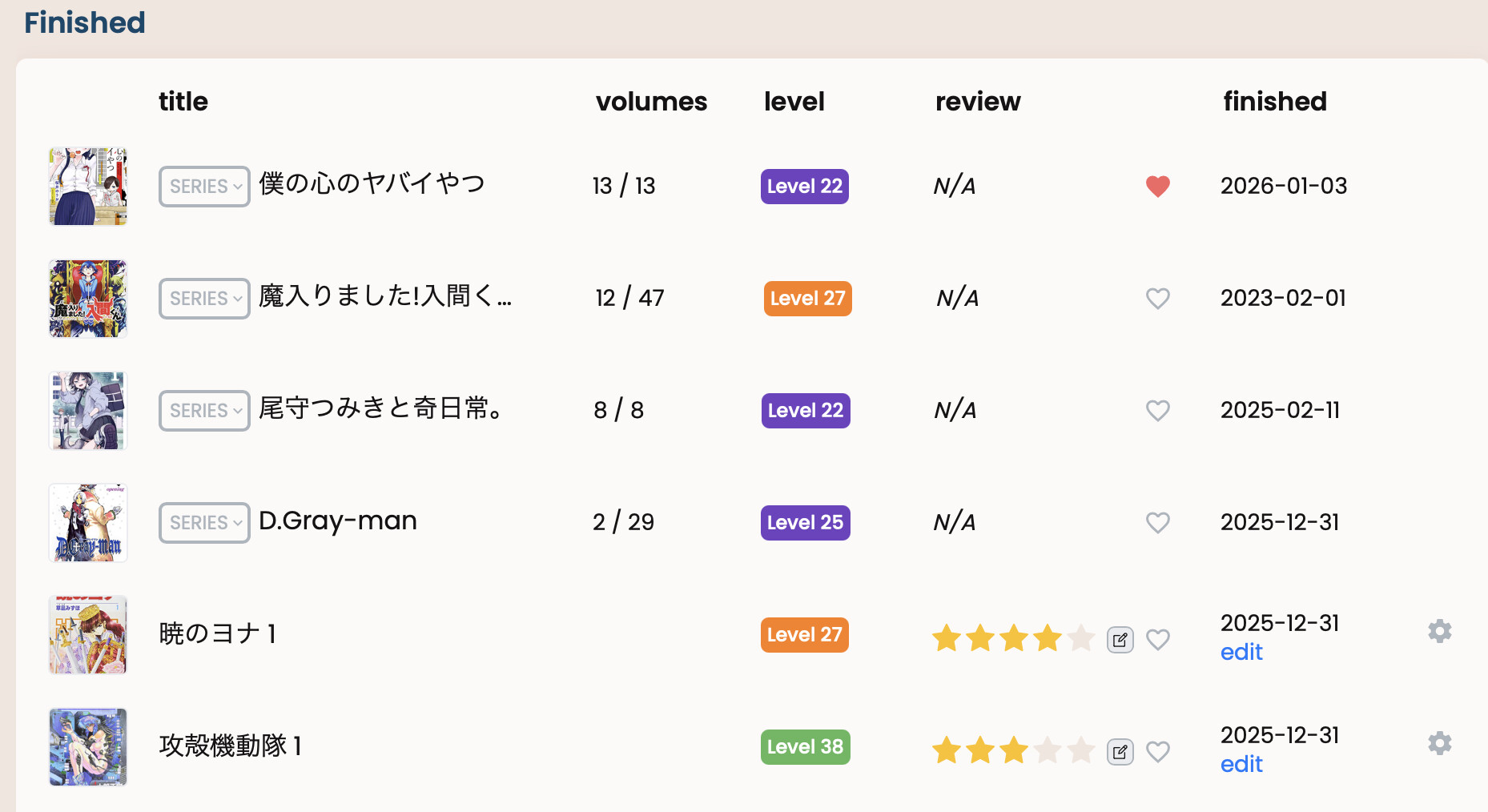
@araigoshi For some reason I couldn’t set the ‘end date’ of the recap to 2026 or further in the UX, but manually setting it (via keyboard) to 2026 seemed to work?
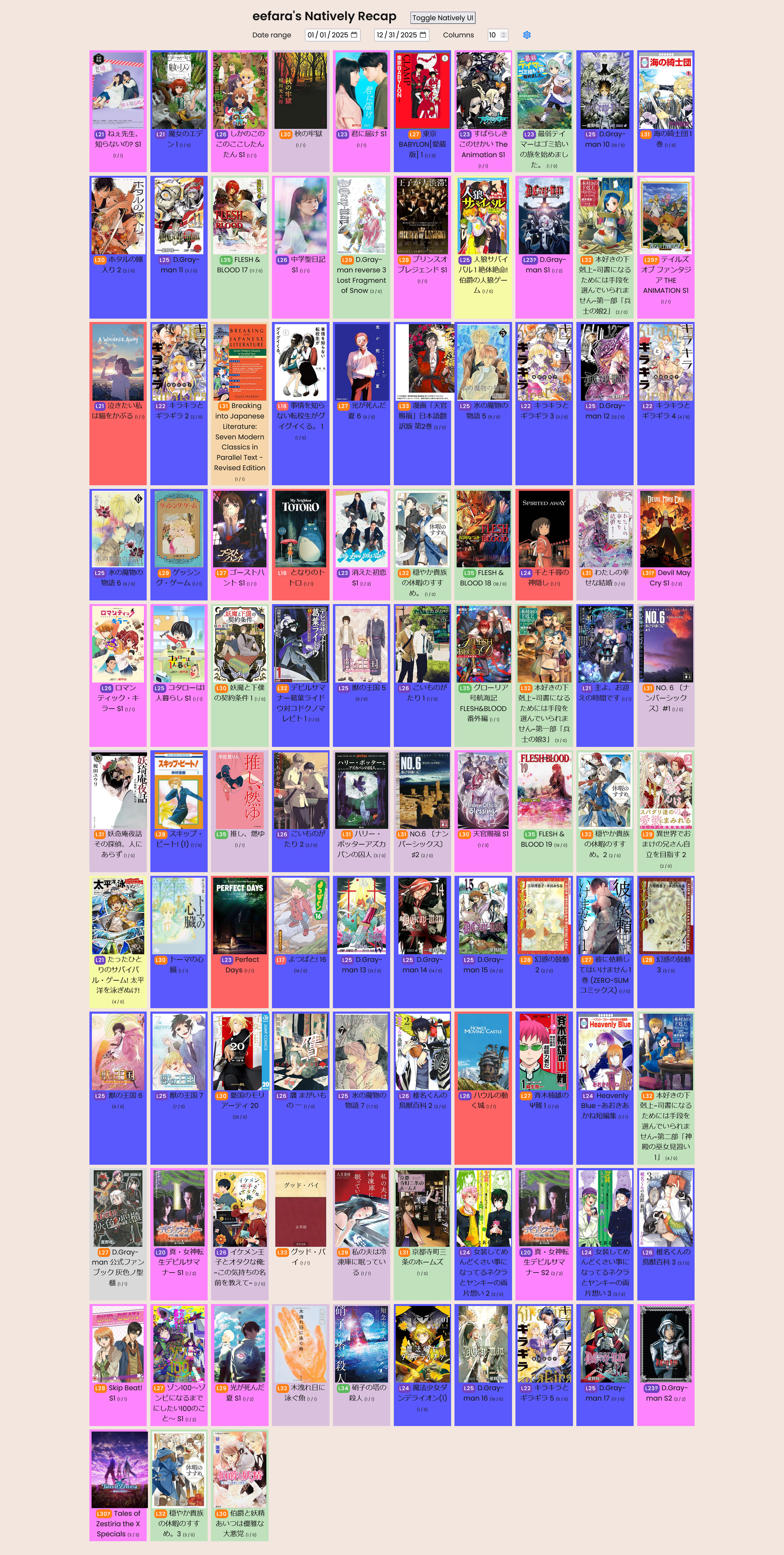
By the way, I realized there’s a bug with series lengths. They all appear as 0 (ex: my very first entry says “(1/0)”). I thought it may be an issue on my end, but @eefara’s recap has the same issue.
I installed it on firefox and the recap button doesn’t show up (console log says undefined). Exact same issue I had on chrome before.
Also:
the max value seems to be end of 2025
You can edit this in the script locally until it is updated.
Lastly: feature suggestion: it might be nice to be able to toggle what we can see on the recap. Ie checklist on what should show up manga, novels, non fiction, video etc.
Thanks for all the feedback - I’ll push a new version tomorrow to fix the max date validation, and check the first load scenario or at least add more debugging - failing on Firefox is a surprise since is how I personally use the extension.
The series length thing if I remember right is a limitation with Natively and large profiles - it switches response format if you have enough items in your profile and the format for large profiles is missing some of the extended series data including length. I don’t want to query each item individually as I don’t want to cause a lot of load on Natively servers. I think natively even disables the group by series option in its own UI for these large profiles

 Unfortunately fixing it would require implementing or importing a custom date picker.
 Just gotta squeeeeeeze in a few more books before the year ends…