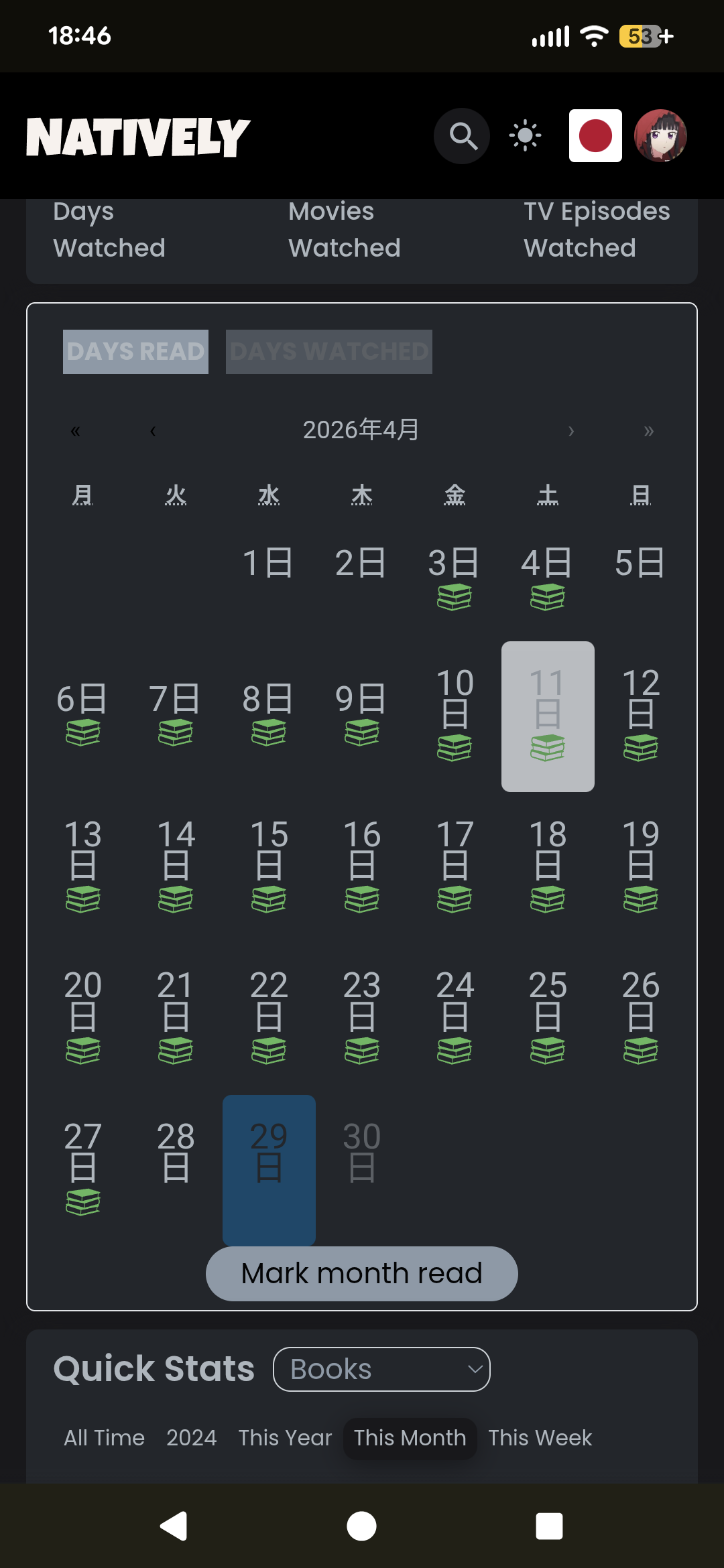
In the Activity tab of my profile, the month title format & days of the week appear in Japanese (my system/profile language). I’d like to see this extended to the dashboard:
I start my calendars on Sunday (which is also the first day of the week in the US and Japan). It throws me off that the days on the widget are “in the wrong position” (since it starts with Monday), and I’d like to have a setting in my profile to start the widget on Sunday. Why this matters? Example: I updated my book progress via the dashboard, and expected to see that reflected in the widget. I didn’t see it, so I reloaded, and still didn’t see it… pause for a sec to realize that Wednesday is one position early, and it did actually update.
Not sure this is the place to pile on or if I should make a second request, but an option to end the day at a given time would be nice too.. I’m loving getting the calendar automatically filled in, but I routinely read after midnight, which means I get stamped for the next day, even though to me who has not gone to bed yet it doesn’t feel like I’ve read that next day. I’d love to be able to specify what time the day rolls over (or even just have a night owl 4 or 5 am toggle, that would also be fine ).
Ah yes, mine is probably most related to the custom time zones (and absolute worst case my problem could be solved by just putting myself in a timezone -4 from where I live) Although I don’t think one exists since I believe Hawaii is the last time zone and they’re -3 from me..but still
Hawaii is in time zone UTC-10:00. But there are islands further west that use UTC-11:00 or even UTC-12:00, cf. Time zone - Wikipedia
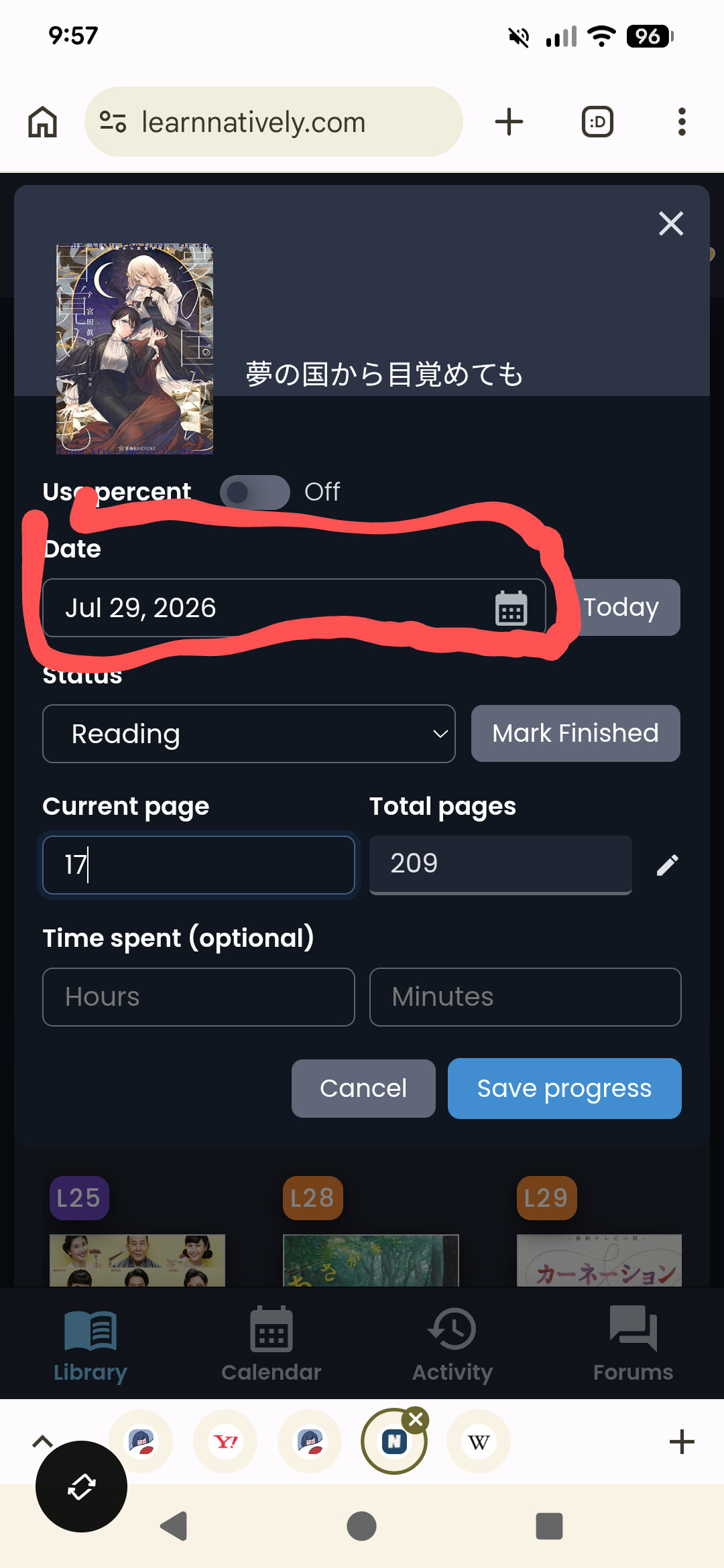
BTW: I always add book pages or episodes on the next day, as I only want to do it once and never know, whether the current session is the last if the day hasn’t changed yet. So with the new dashboard auto-update all my entries are off by one day.
I do use that now but then it sets it at the beginning of the previous day and then my updates are not in order. Which I know is a weird thing to care about but I do somehow
Yeah fair enough. I also just leave it at the default, if I’m updating the next day… Tho I like to update whenever I’ve read a significant amount. It’s a nice little dopamine hit for me
Ahh right. This is another one of those things I went “meh, does this level of granularity really matter?”. For me the answer was no.
This bugs me too, honestly. Basically nobody’s going to look back at my feed to see what I was reading a week ago, they’re just interested in the latest update, even if I’m updating what I read last week.
As an Amazon Associate, Natively earns from qualifying purchases through any Amazon links on the site.
 ).
).