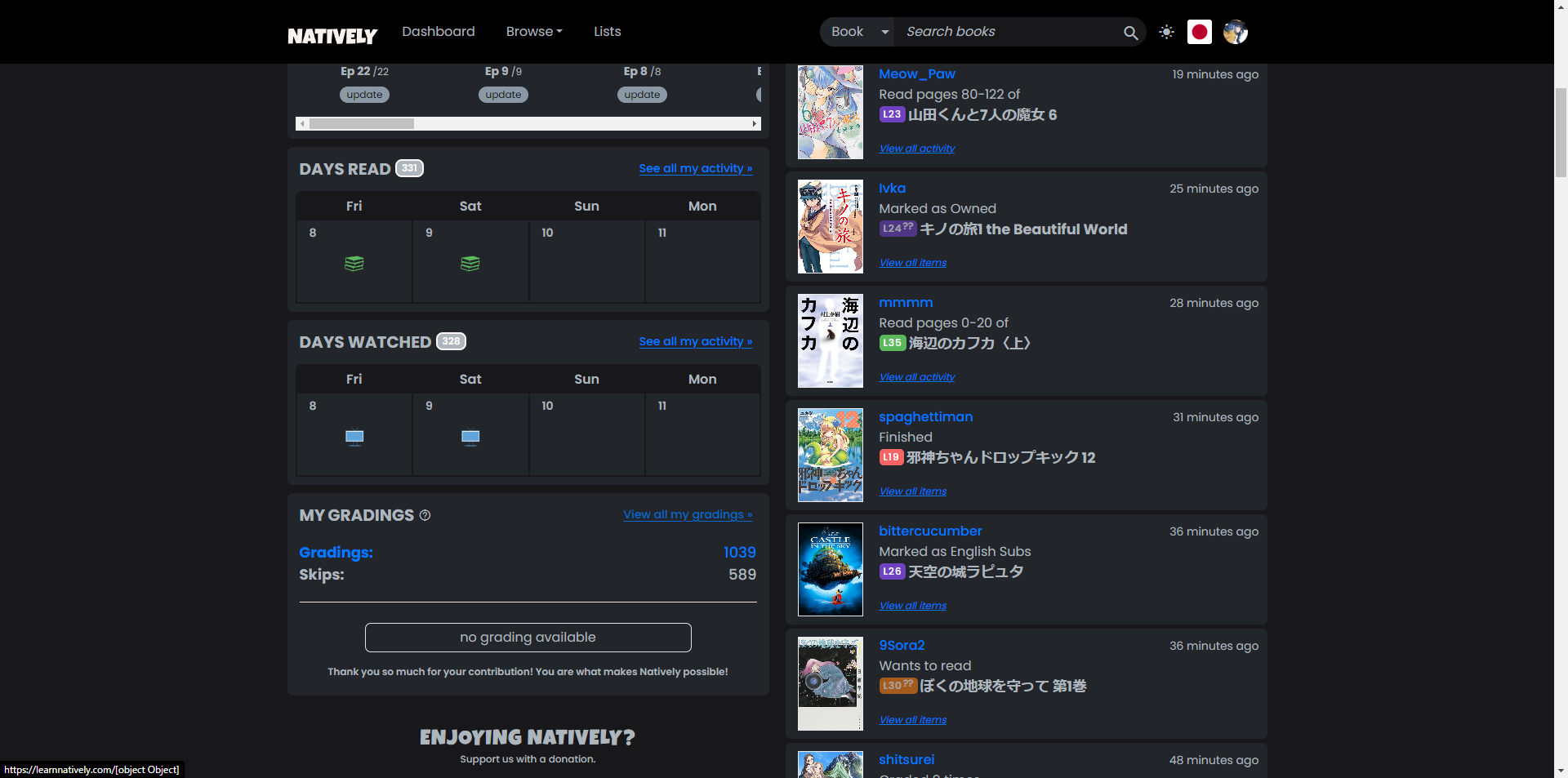
“View all my gradings” link leads to https://learnnatively.com/[object Object].

6 Likes
It only happens in natively. Justwatch is detecting the country properly when you go directly to their website, and it used to work before the item pages revamp.
Also is not that it’s not selecting country, is that it’s defaulting to the wrong country.
In any case, as I said is not a big deal to me, I can just block the whole block as I don’t use it, but other people if it’s happening to them, might find that annoying.
2 Likes
When I scroll from the bottom upwards in this thread I get until iwannareadman’s post until the site loads a new chunk of contents. But after loading I am suddenly seeing Jintor’s post several posts further upwards.
After setting a book to “Finished” on mobile, pressing the Edit button just comes up with the warning message about not being able to use the session manager, without showing the rest of the pop-up. It takes a refresh of the page for the Edit button to bring up the whole pop-up and allow switching to the basic information tab.
3 Likes
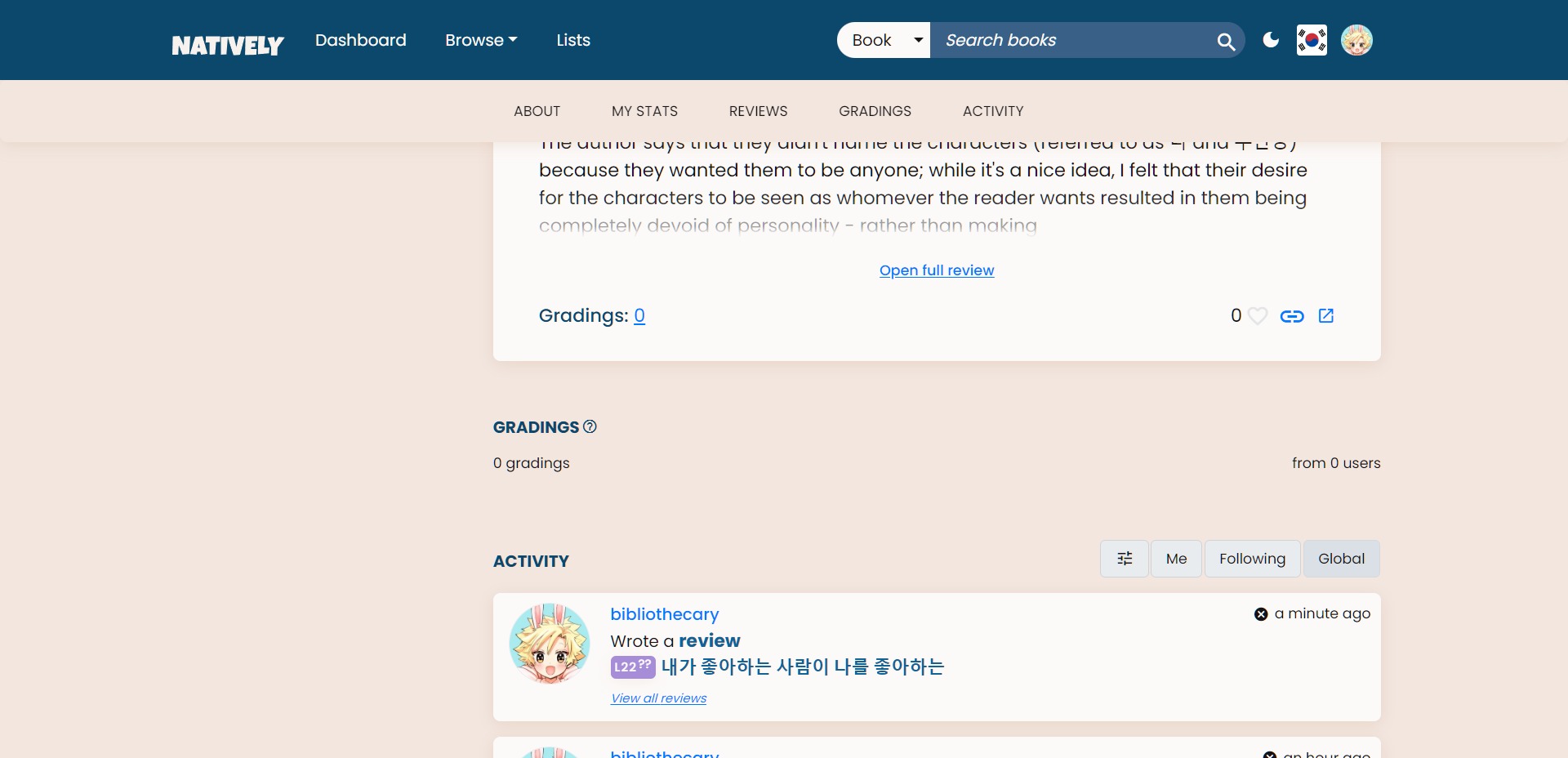
I’ve got the same problem with 내가 좋아하는 사람이 나를 좋아하는 | L20 (I can grade from the dashboard, though).
1 Like
I didn’t read everything, so maybe someone else commented already, but I still have issues with episodes not showing as finished, despite marking them.
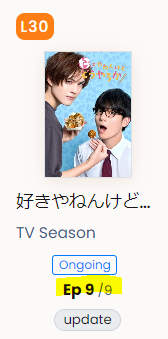
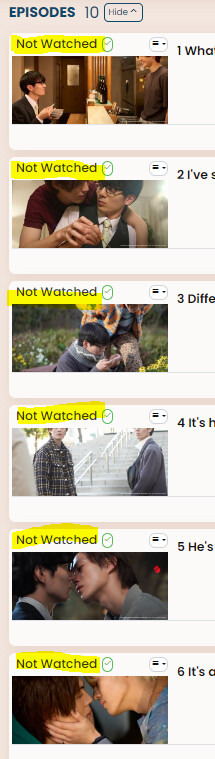
I can’t set them to finished.
2 Likes
Should be 9/10, though, the series has still an unaired episode.
yes, the series is still running, but the count is only updated once an episode is aired.
If you switch to the other language for the blurb, when you scroll a little bit it switches back. You have to refresh for it to take. (In case it’s device/browser-specific, I’m on iPhone)
1 Like
Not sure if someone’s mentioned this, but when I try to add a new book on the Korean side, the “request item” button doesn’t respond when I try to click on it.
4 Likes
I am also getting this (Android, chrome(mium)). The Just Watch widget is always on US when it used to be on Canada after I set it previously. For the most part, it’s almost the same as it is in the US so it’s not a huge deal, but it would be more annoying somewhere where the streaming services were more different.
2 Likes
Noted on all these things!! Right now, I’m really focused on trying to get search working well (the filters are super slow). After that I’ll address all these little things.
I also edited the title. If anyone knows NextJS, please reply here or DM me! I’m having some issues on getting the routing working well on the Search page, could use some advice (for some reason my loading is happening after route navigation not during).
7 Likes
Ok! I finally got search working speedily now.
Onto addressing these issues along with others I mentioned before…
5 Likes
Sorting of All books is no longer possible on iPad, sorting of My books is OK. Edit: same with videos.
1 Like
Me pressing Wish List button to set a new book to Wish List doesn’t change anything. At a glance seems like a broken button, but it is already in Wish List on webpage refresh. Using Firefox on Windows.
3 Likes
Can I get more details? Is this the book page? Is this a consistent bug? Can you see other things your library?
And when you click the button, is the top header visible? Or is it blank?
1 Like
In the book page, that is, https://learnnatively.com/book/[:id]/. It happens on the second book I tried, so I am quite sure.
On click, selection border appears, but the button remain green and unchanged otherwise. Not sure what the top header is.
Pressing from the dropdown dialog on the same page also don’t change immediately.
Other than changing on refresh, it also changes on page unfocus (blur), e.g. changing tabs, attempting ShareX screenshot.
No problem on series pages https://learnnatively.com/series/[:id]/, where it responds immediately.
3 Likes
Ah, can reproduce now, got it. Thanks!
2 Likes
Page is still lagging a little bit, I get a “loading Natively” page every time I click on a book (both from my computer and my phone) for around 2-4 seconds.
I also can’t request anything, the request item button is broken both in Korean and Spanish.
And I don’t remember if that was supposed to be fixed, but I just encountered an unintentionnal switch from dark mode to light mode as well.
1 Like
