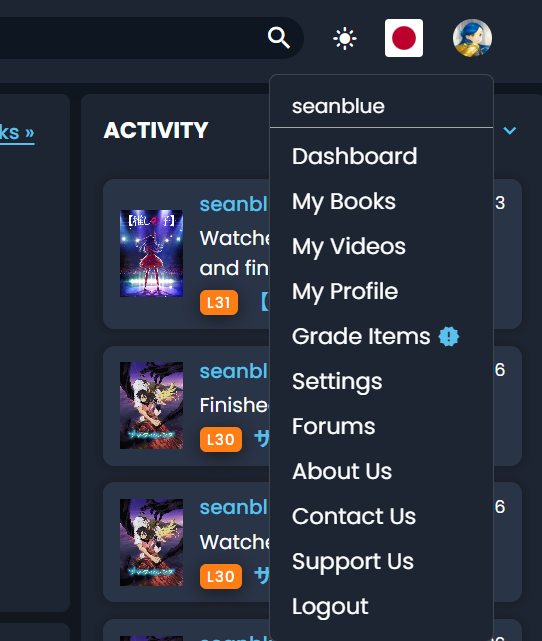
New dashboard always shows an icon as if I have gradings, but when I click it I don’t actually have gradings available, and the menu on any old page doesn’t show the icon.
3 Likes
well, my point is less ‘i want every page to be 3 cols wide’ and more ‘i actually like the central-column-of-text format since it works better for the way I view content, it’d be nice if there was a dash toggle between the two layouts’.
Though I would personally have swapped the forum activity and the reading feed since I prefer seeing the reading feed images at a larger size and that would be sufficient. But no idea how hard that is on the backend!
4 Likes
For me it’s the same in all points.
1 Like
I’m not seeing my updates in the global feed. I see them if I filter to just my activity, but even if I refresh the page, I don’t see my activity updates.
I also second this.
3 Likes
I can see the pages of the book I read on June 30th, though. Be it in Global or Me mode, as well as in All or just Books mode. I entered it with the old dashboard, though, if that makes a difference.
2 Likes
I just impersonated you (sorry  ) and I could only see 15 gradings - did you change that since reporting?
If at all possible, could you please not change it further? Because that might make it harder for us to reproduce. Thanks! 
We are working on it 
I just wanted to create an opportunity to show y’all our beautiful new error messages 
(thanks to @brandon and @mathew for cleaning up behind me  )
)
@gillianfaith also reported this. It’s fixed now!
4 Likes
OK this should now be fixed! The item will still move to the front, but it will stay there for a bit. Please let me know if it still behaves strangely.
4 Likes
Right now both the gradings and calendar are in that section (it used to be called Stats for this reason), so I think the name would just need to be changed again…open to suggestions haha
I’m realizing this is also an issue for people who are viewing a non-tracked language since we hide both the calendar and the gradings. Maybe 3 icons is fine in that situation 
1 Like
It jumpscared me but I think I like it.
5 Likes
I can see your activity in my global feed. Is it possible you have a filter applied? Your recent activity is all “Status Updates”, so if for example you are filtering for “Progress Updates”, you won’t see it.
2 Likes
Yes, and mid-grading I decided to stop for that reason. Sorry for the confusion
3 Likes
No worries, and thanks! I believe we’ve fixed it, just released the change. Let us know if it’s still not working correctly!
2 Likes
Yeah, it shows up now. Thx so much!
2 Likes
We also released a few other changes just now:
- The “Grade Items” menu entry is now always visible, only the exclamation mark is toggled on or off
- @Pashmina The tab-switching on the mobile dashboard is now immediate, without scrolling
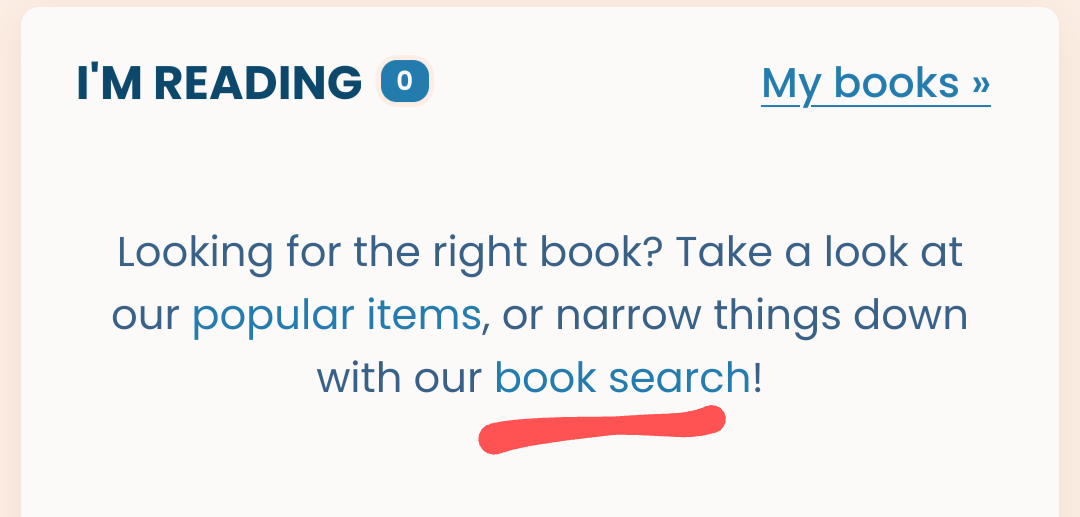
- @gillianfaith The books section now actually links to books

- Some tiny CSS and layouting tweaks
Please let us know if something still doesn’t work as expected, or if you find anything else that’s off 
6 Likes
Less clicking through menus and dropdowns for updates is cool. More focus on my stuff instead of other people’s stuff is also nice, I think. However, I miss the small increment/decrement arrows in the progress update dialog. I like to watch shows with my laptop in bed but the keyboard of my laptop is broken so I now have to either drag around a USB keyboard just to input the episode number and the watch time or open a virtual keyboard app that I have to close manually to full screen the video.
3 Likes
But there is a plus button, isn’t there. So far, I didn’t use it, so I cannot guarantee that it does what I’d expect.
2 Likes
I can see all of mine in global as of this morning, but didn’t see them when I logged activity last night. I’m pretty sure I didn’t have any filters applied earlier, but I did cycle through some so maybe it cleared whatever had been happening before. 
Either way, fixed
3 Likes
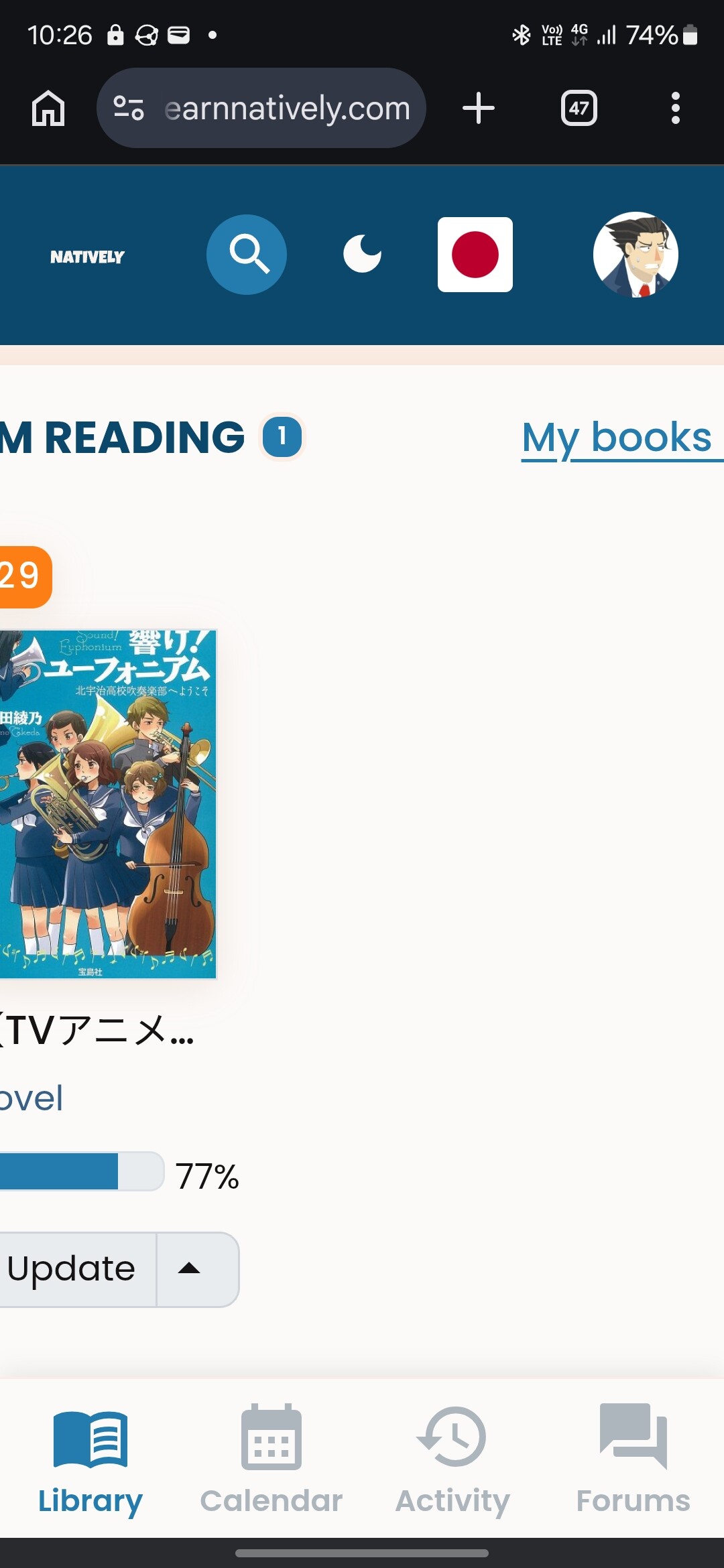
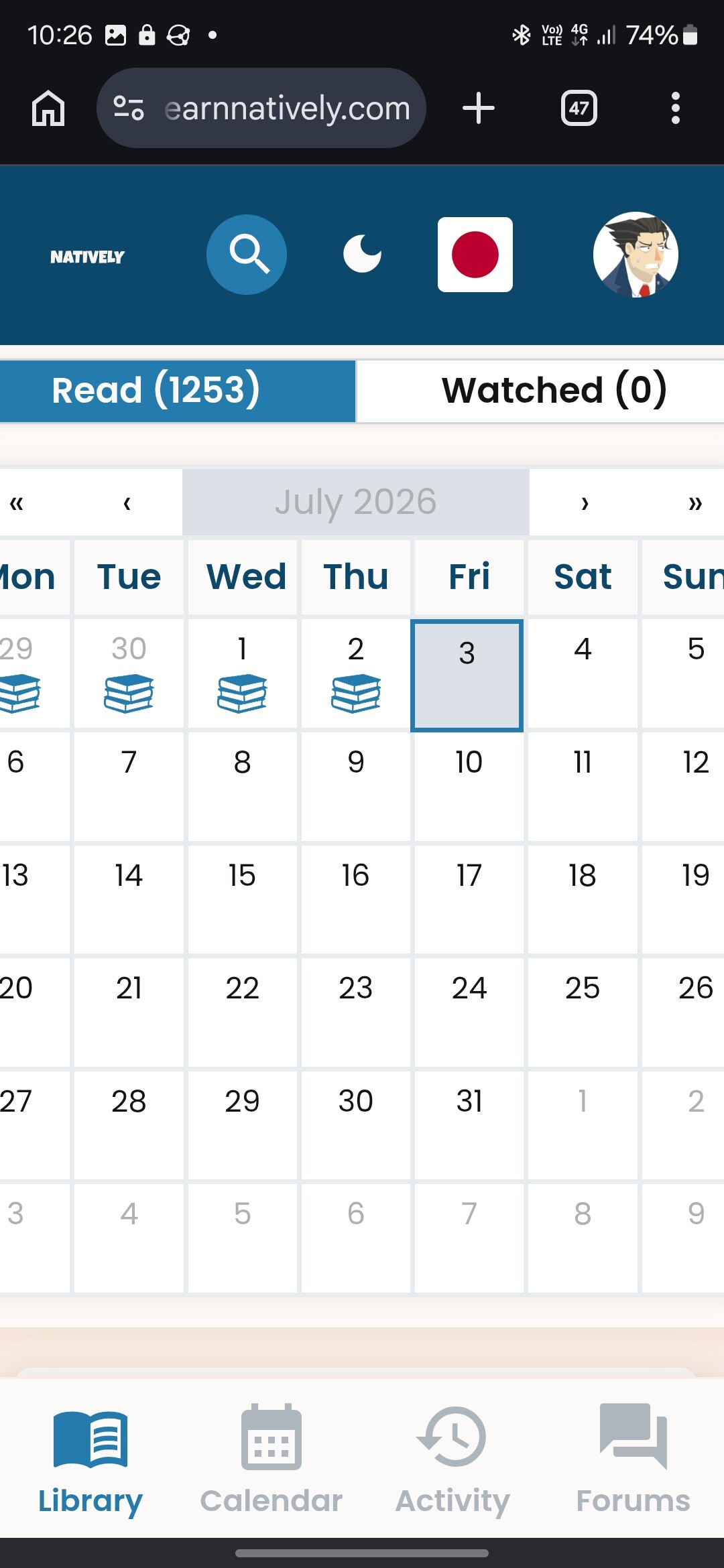
On mobile the borders/margins are too squeezed if my android display zoom settings are active (on android, display → screen zoom → anything larger than the smallest setting). No issues at the smallest setting.
2 Likes
I just marked よろず占い処 陰陽屋の恋のろい | L28
as finished, but so far it remains the reading instead of the finished list.
Also I just set ミモザの告白 | L28
to reading, but it does not appear in the reading list.
.
3 Likes