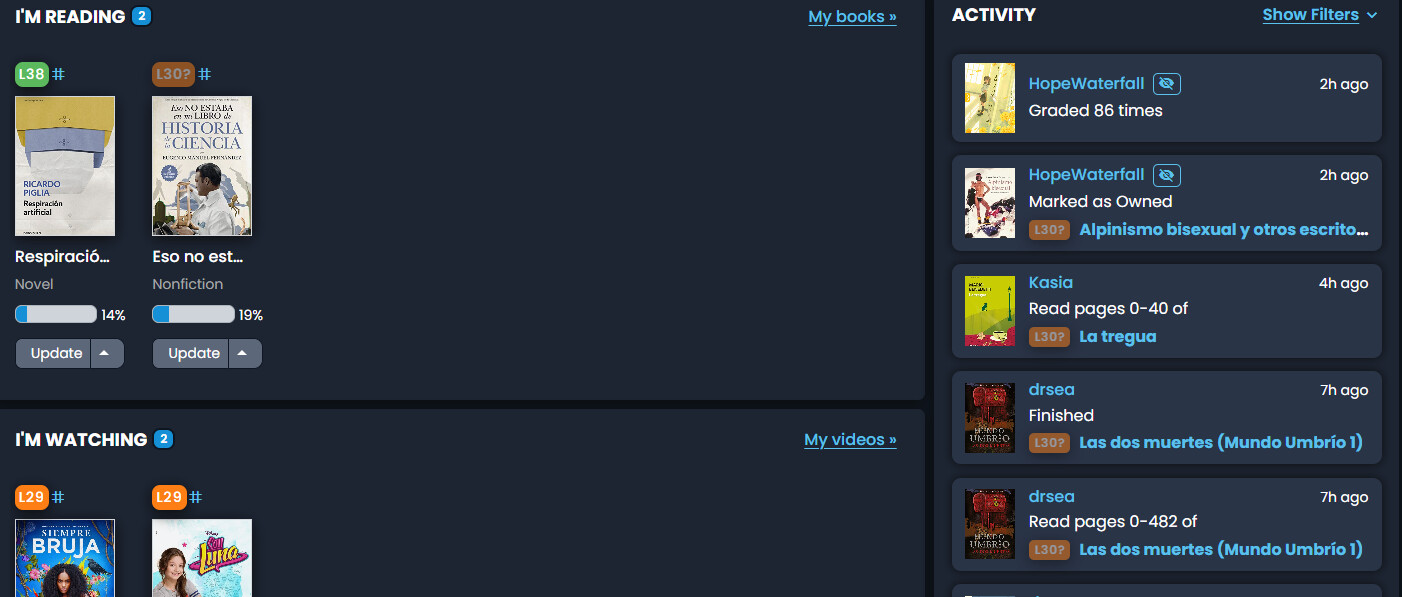
I did some grading recently, for a bunch of languages, so idk if that lead to the bug, but well, my Korean grading activity shouldn’t be appearing on the Spanish page. Clicking on it leads to a page with my Spanish gradings, as expected, although clicking on the cover naturally leads to the Korean page for that book.
I also graded some books in Japanese and that grading activity correctly appears on the Japanese page, but my Korean grading activity is straight up missing from the Korean activity page (I imagine it somehow merged with the Spanish grading activity?).
I took at look at your gradings history and as far as I can tell they were all saved with the correct language (which is a good sign), so something else must be causing them to appear incorrectly. Looking into it!
Alright, so basically this seems to be an existing behavior where if you grade a lot of items within a 5-ish-minute window, it all gets wrapped together into a single activity, which can only be associated with one language. For the moment, I’m patching it so that the item displayed with the activity matches the language you’re viewing & will talk with the others about whether we want to make a bigger change here with how gradings are consolidated
Enjoying the new dashboard, thanks for all the work on it. It’s amazing how quickly it loads when changing from one language to another!
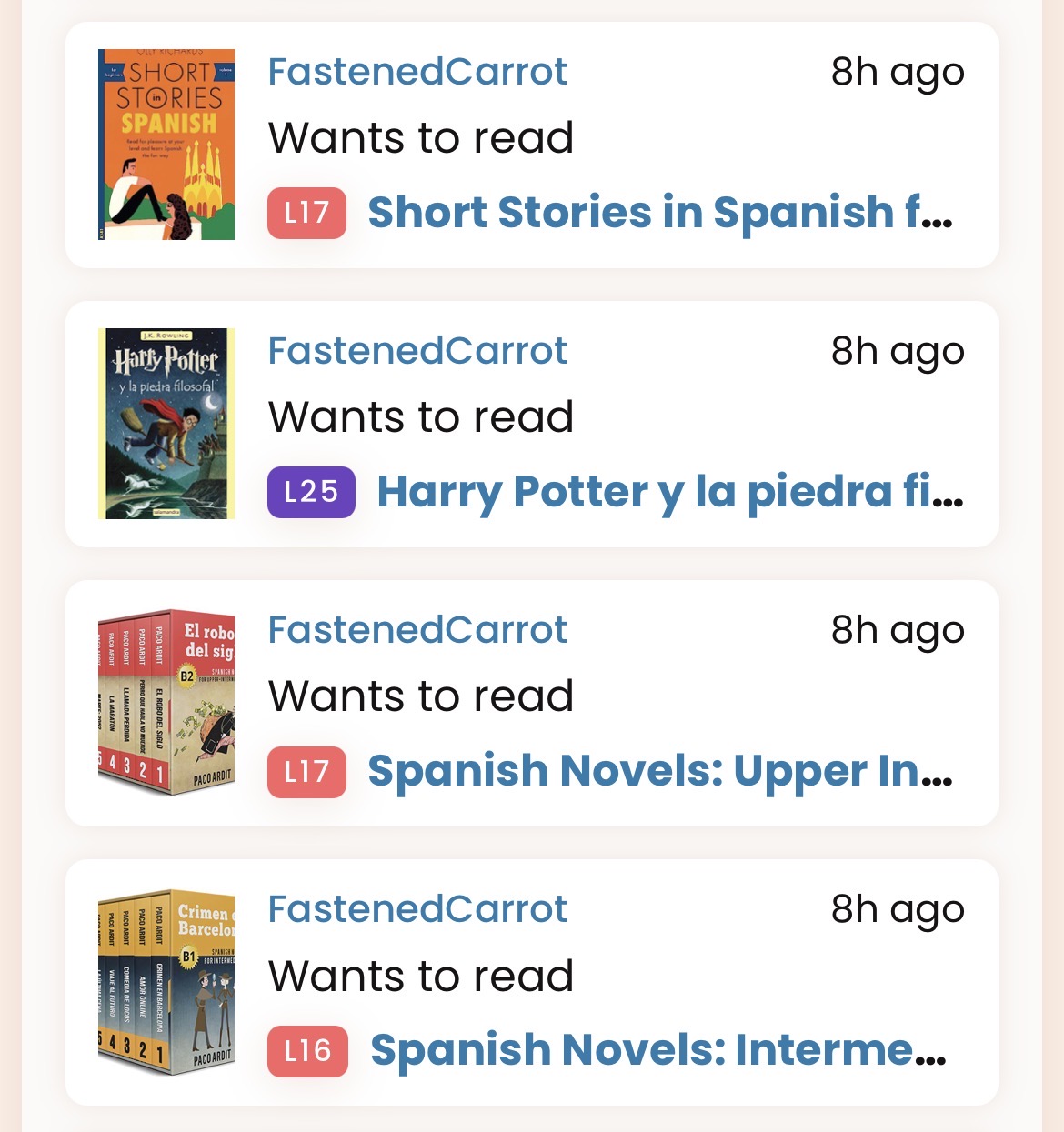
I think I may have seen someone else report this, but on my mobile (iOS, safari) there isn’t much room for book names in the activity feed, so they often get cut off. This didn’t happen in the previous dashboard. I wonder if there needs to be a tweak to the display.
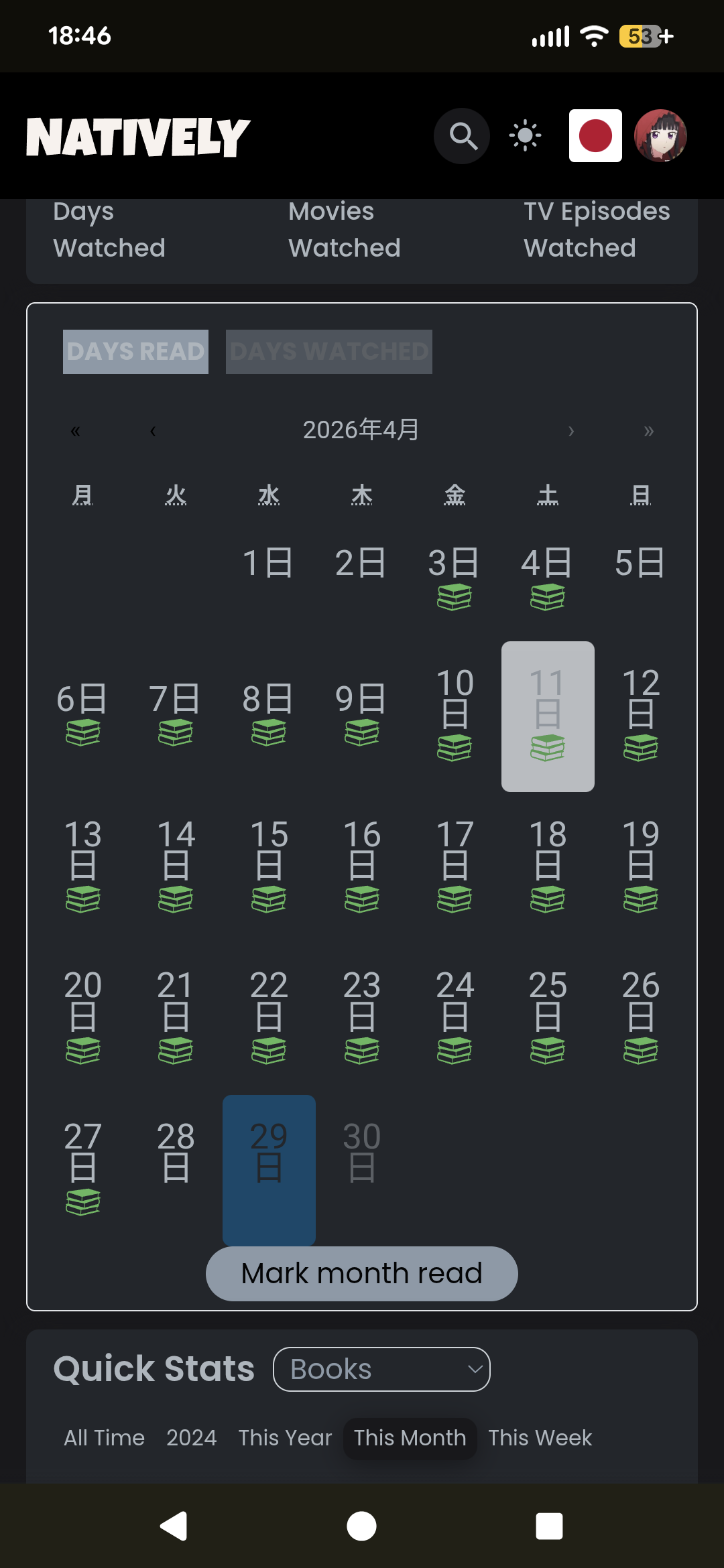
I included this in a separate request, but thought I’d mention here as well: the calendar widget on the dashboard doesn’t show the month & days of the week in my system/selected language (Japanese), even though the one in my profile’s activity section does. Here’s what the activity one looks like for me:
ガンツ S1 | L26. The new dashboard added episode #4 but did not specify its length in minutes. It wrote () instead. The first three episodes added with the old dashboard had no problem with the length of the episodes. It wrote (25m).
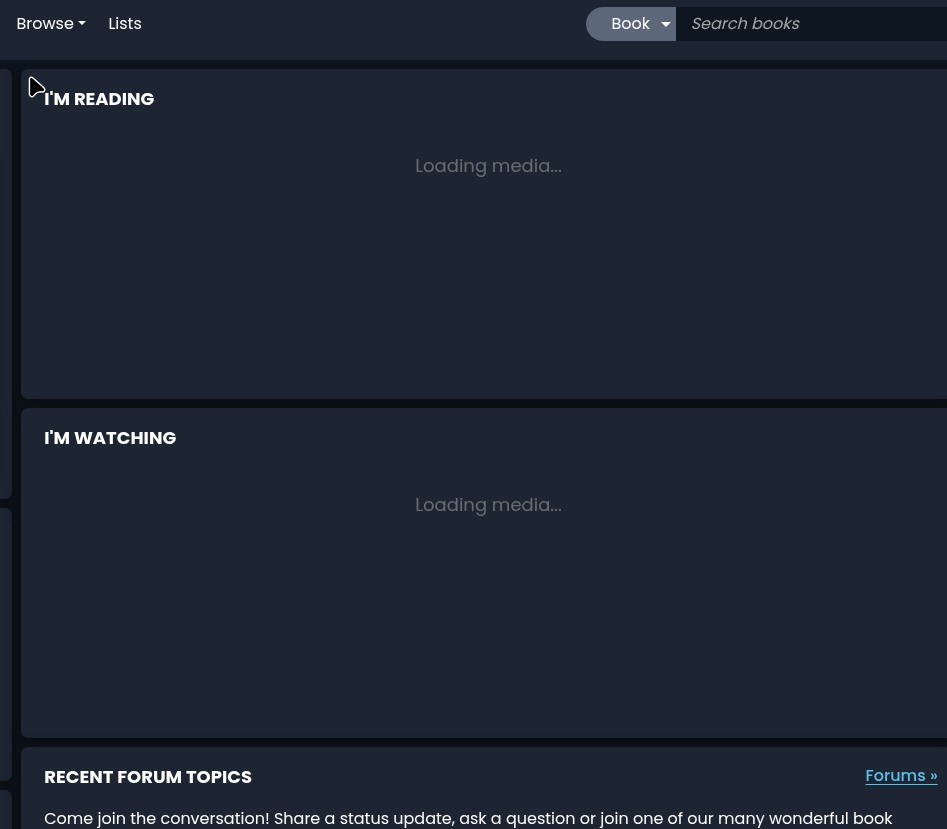
not sure if it was just me but on two different computers the “im reading” was stuck on loading media…(and normally the im watching doesn’t show at all for me)
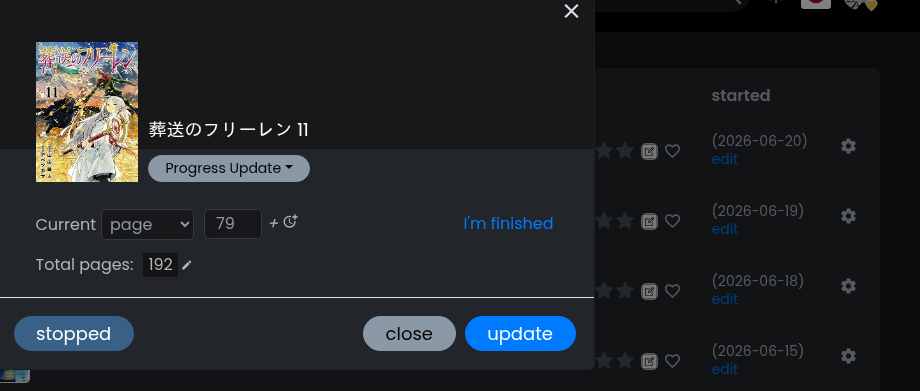
wanted to update the frieren reading and wasn’t sure how to do it but did find I could click the cog on the books in my library and then select “progress update” but found that the screen is slightly different from the primary one
not sure if this was overlooked, but it doesn’t have the same screen layout as the other update screen …
This actually is not related to the new dashboard, I think? Apparently if you mark episodes finished using the controls on the season page, it generates a somewhat different message format from everywhere else. Very happy to change it.
In other news, I’m happy to announce that we’ve finally been able to release some updates to how the timestamps on the activity feed work!
Thanks everyone for your patience with this. It was a pretty complicated update/fix since we’re working across two totally different frameworks at the moment until we can move everything over to the framework that the new dashboard is using.
Everything should work much more sensibly now, but again, it was quite complex, so we appreciate your understanding if there are still some bugs lurking in the corners. Please let us know if you run into any issues!
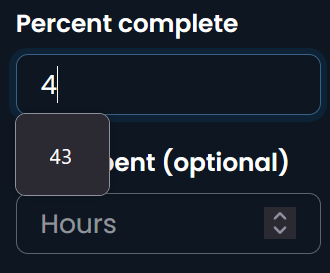
I think it shouldn’t suggest a number here. Real number amounts shouldn’t be suggested in general.
I also feel that it looks too dense on desktop. Limiting the whole width (maybe optionally) could make it more pleasant to look at.
When I update a 0%-read book to Finished, I think it isn’t fair to say – I read pages 0-2xx and finished the book. Nah, I gradually read the book, and progress the volume number at once. (And 2xx doesn’t say a thing about 100%.)
I do sometimes finish a book in one sitting (especially manga volumes, but the rare shorter novel as well), so I don’t know about removing it. Maybe if the date started is in the past or something?
@polv those are good ideas. @nikoru is on vacation right now but will be back in a week. I will say that these are slightly more minor issues so perhaps logging independent product requests could be good? We got a lot of stuff going on right now xD
Hmmm, I see. I’m personally okay with leaving the 0-last page part of the update, but I also can’t really think of a good reason for it to stay. Does anyone reading it there have a use case for preferring the current format?

 Code reuse is your friend!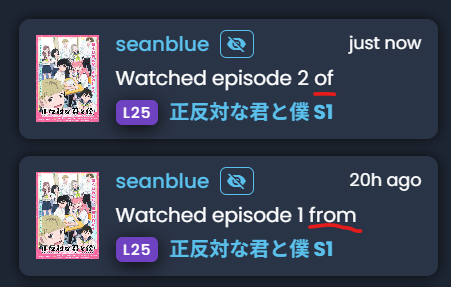
 .
.
 Does anyone reading it there have a use case for preferring the current format?